HORUS
The Eye That Works for You!
Gain operational intelligence, reduce cost and risk.
Download the app. Start in minutes.
Your videos never leave your site.
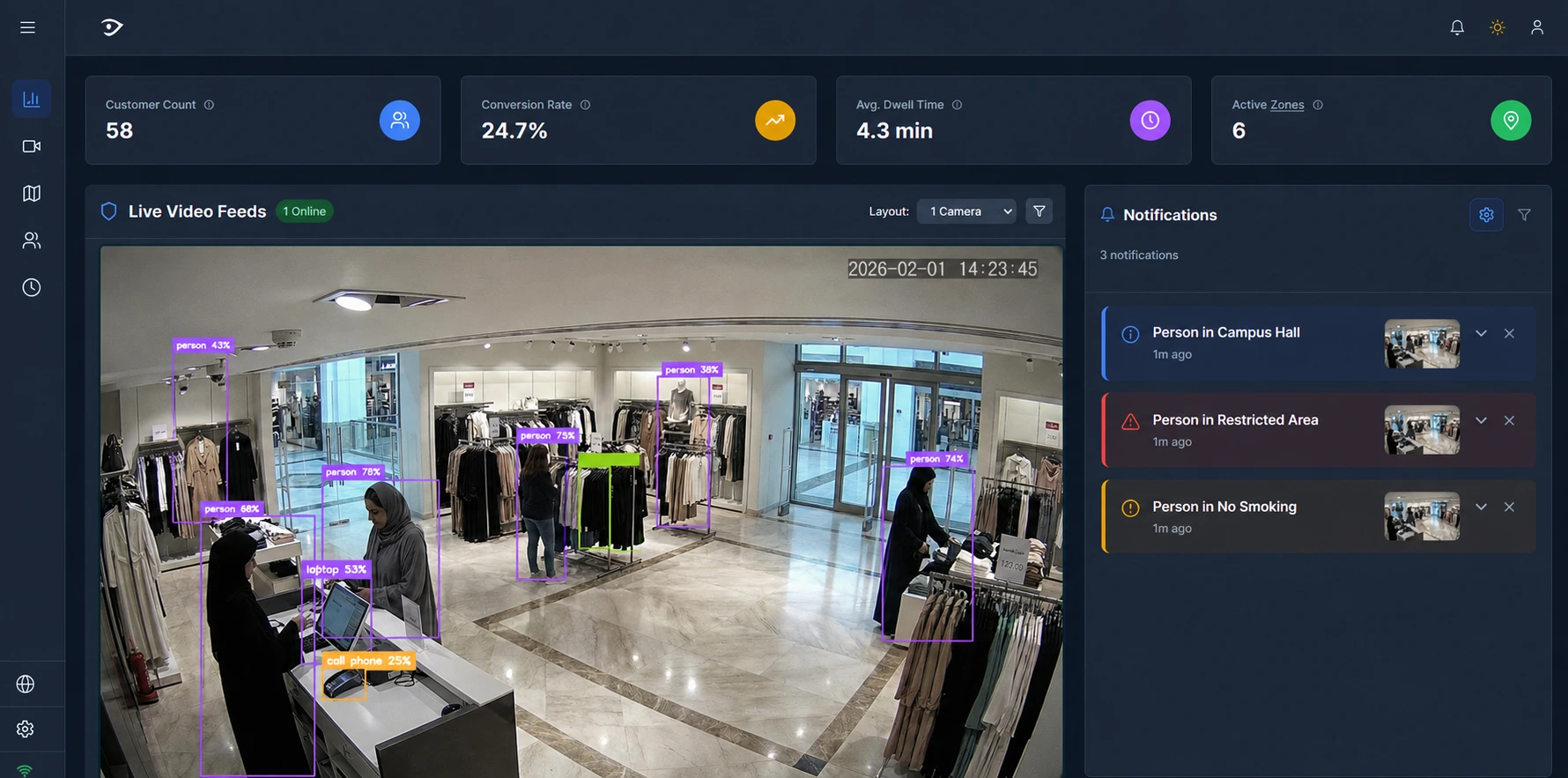
AI Video Analytics Platform Capabilities
No New Hardware Required
Works with your existing IP cameras. Install on any Windows PC on your network. Up and running in under an hour — no specialist needed.
% Private — Videos Never Leave Your Site
Everything runs on your machine, not the cloud. Video never leaves your premises. GDPR-compliant by design. Full data sovereignty.
Built for Your Industry
Not a generic alert app. Purpose-built analytics for Retail, Manufacturing, Logistics, Traffic, and Security — with industry-specific zones, metrics, and reports out of the box.
Turn Any Camera Into an AI Video Analytics Dashboard
Transform your existing cameras into intelligent business assets. Horus delivers industry-specific insights that directly impact your bottom line. No new hardware required.
Horus for Retail
Understand customer flow, optimize store layout, and prevent loss with real-time foot traffic analysis and heatmap generation.
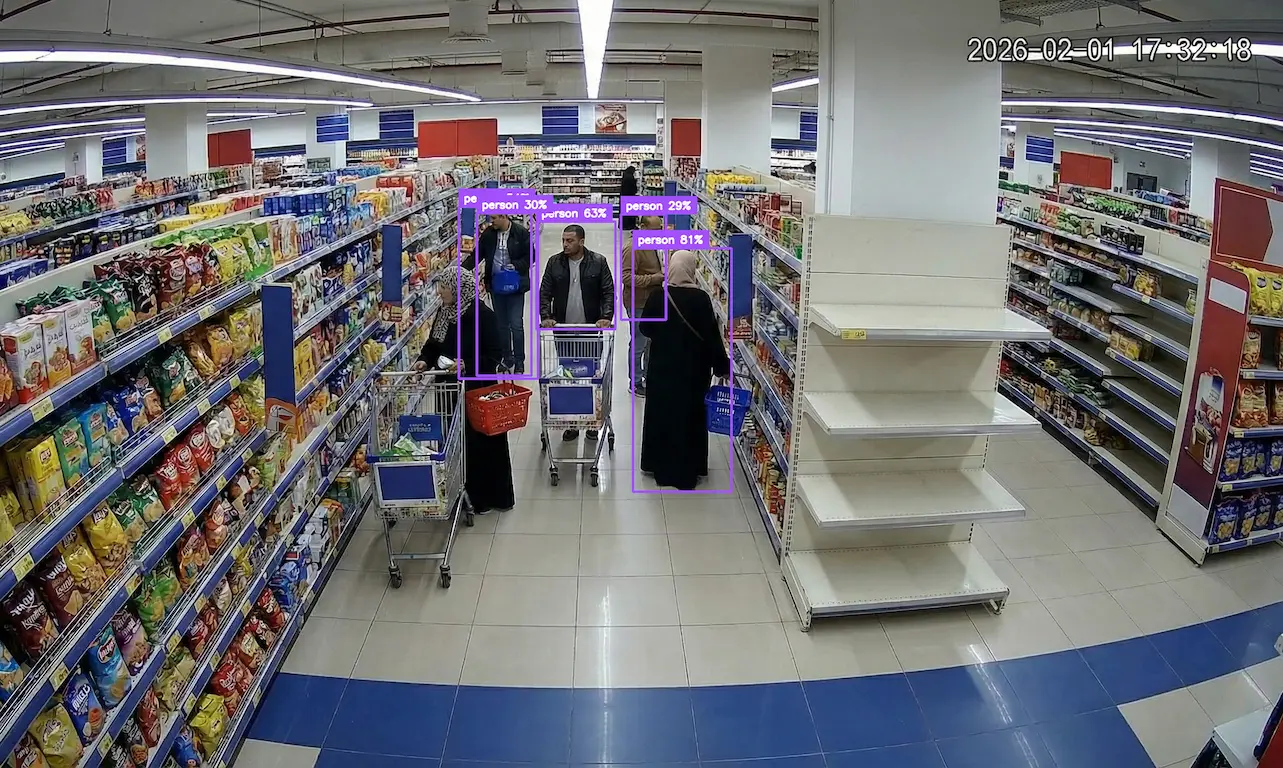
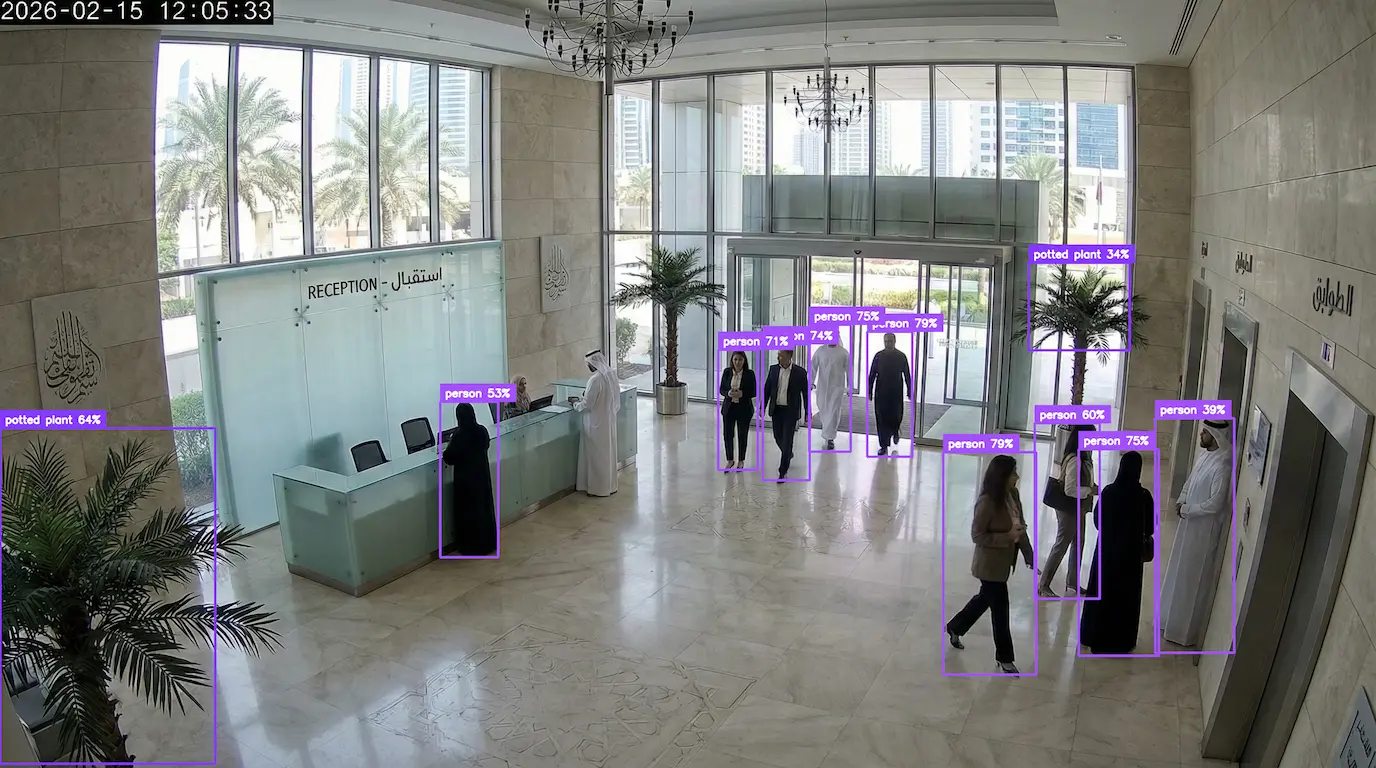
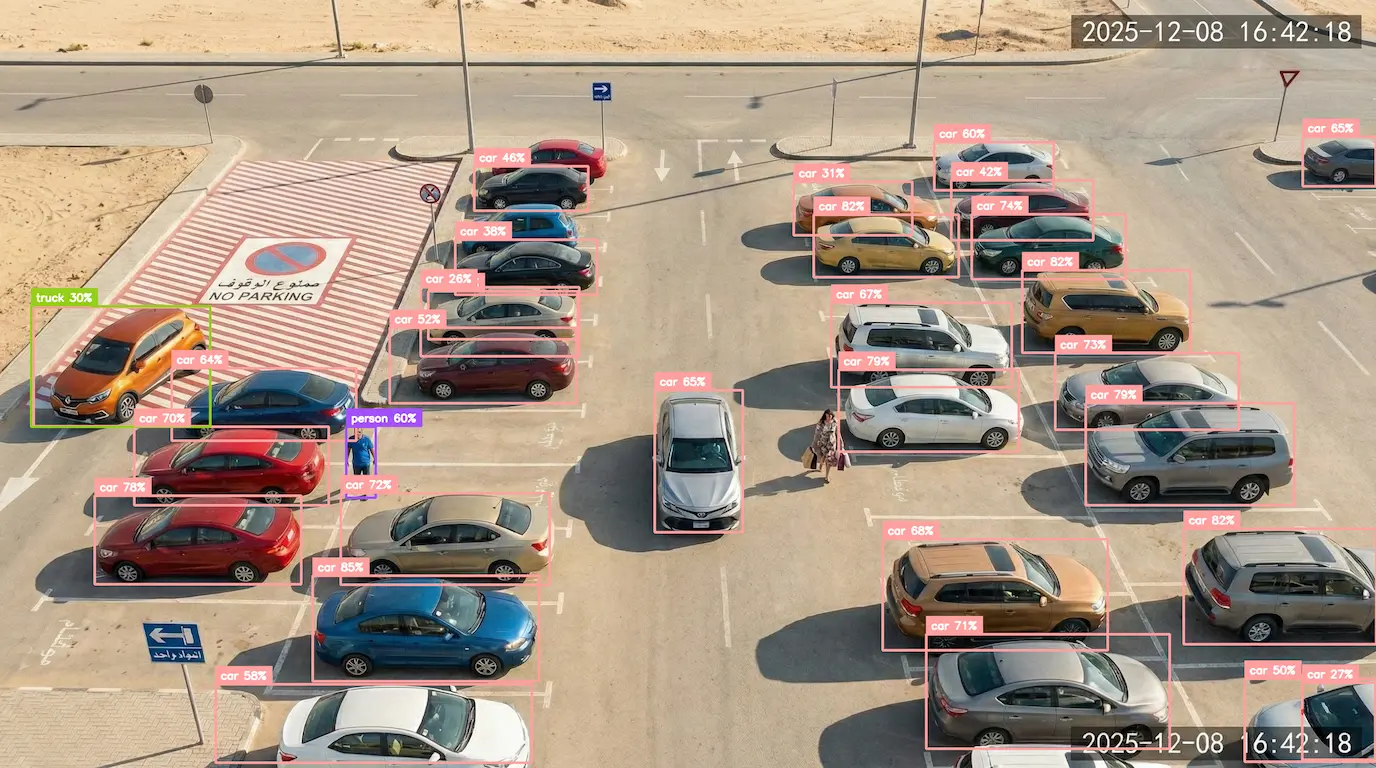
Reduce Labor Costs
Sub-second AI alerts. 100% private processing means your videos never leave your premises while delivering faster, more accurate monitoring than human oversight.
Your Videos Stay Private, Always
Everything happens on your computer, not the cloud. Your footage never leaves your premises. Complete privacy and data control.
Works With Any Camera Brand
No need to buy new cameras. Connects to your existing security cameras. Supports 50+ camera manufacturers.
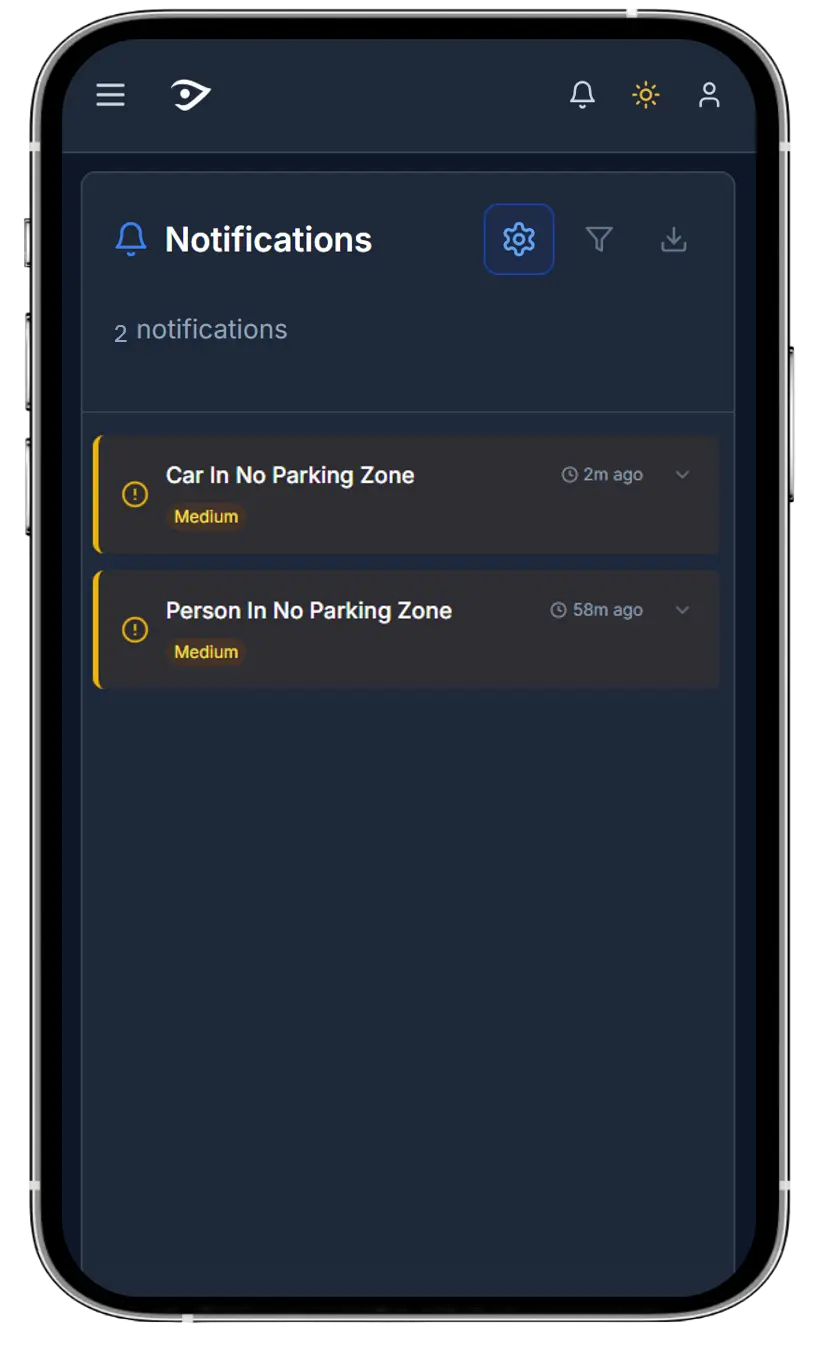
Instant Alerts on Your Phone
Get notified the moment something happens. Only alerts you care about, no spam.
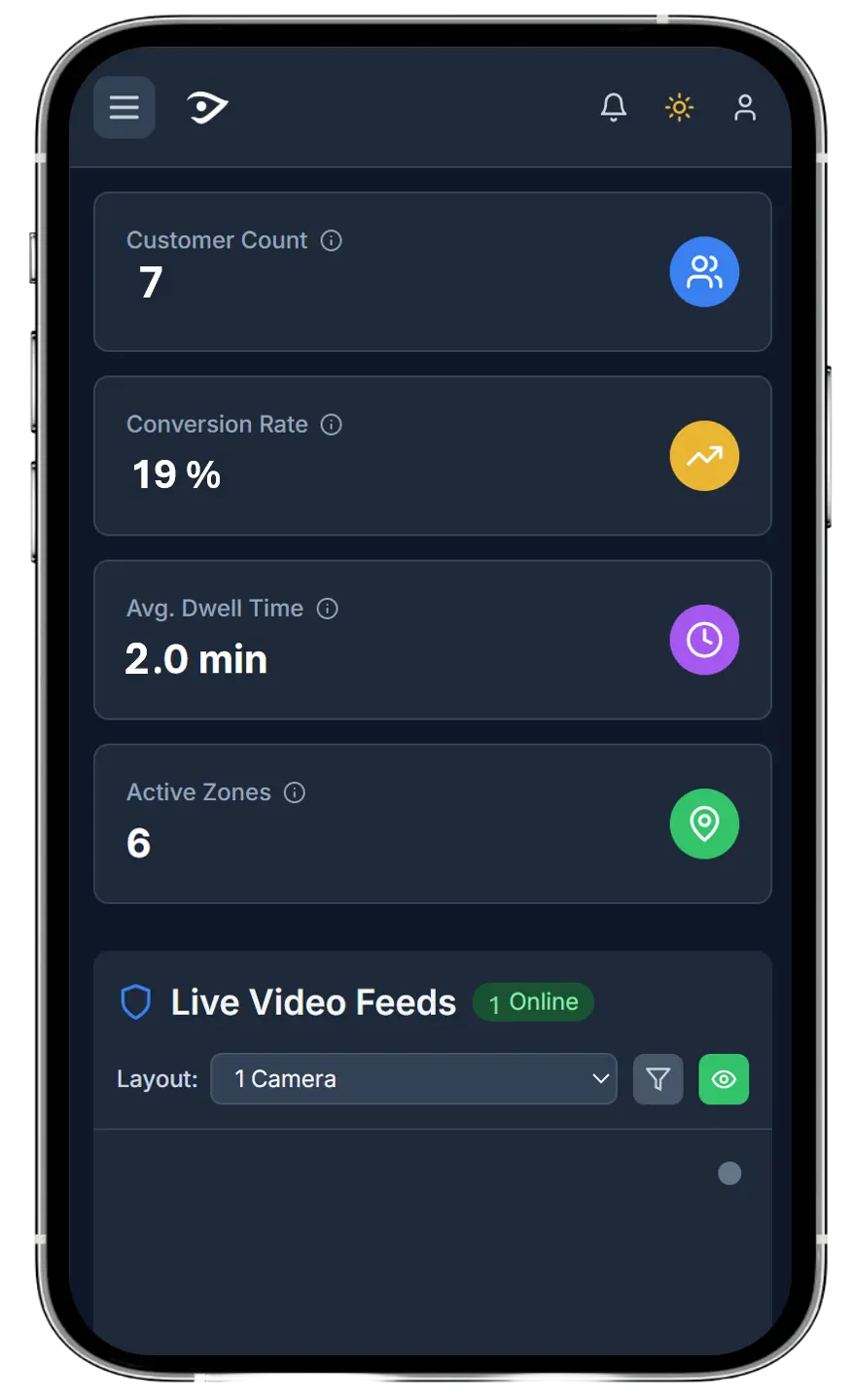
Gain Operations Intelligence
Transform your cameras into business intelligence tools. See patterns, measure performance, and make data-driven decisions that improve your bottom line.
Real-Time Performance Metrics
Track customer flow, dwell time, and conversions. Identify bottlenecks and optimization opportunities. Measure impact of changes instantly.
Multi-Location Visibility
Compare performance across all your sites. Unified dashboard for enterprise-wide insights. Spot trends and anomalies automatically.
Historical Analytics & Reports
Access weeks of data for trend analysis. Export reports for stakeholders. Prove ROI with concrete metrics.
How It Works in 4 Simple Steps
1. Download and install the app on your computer
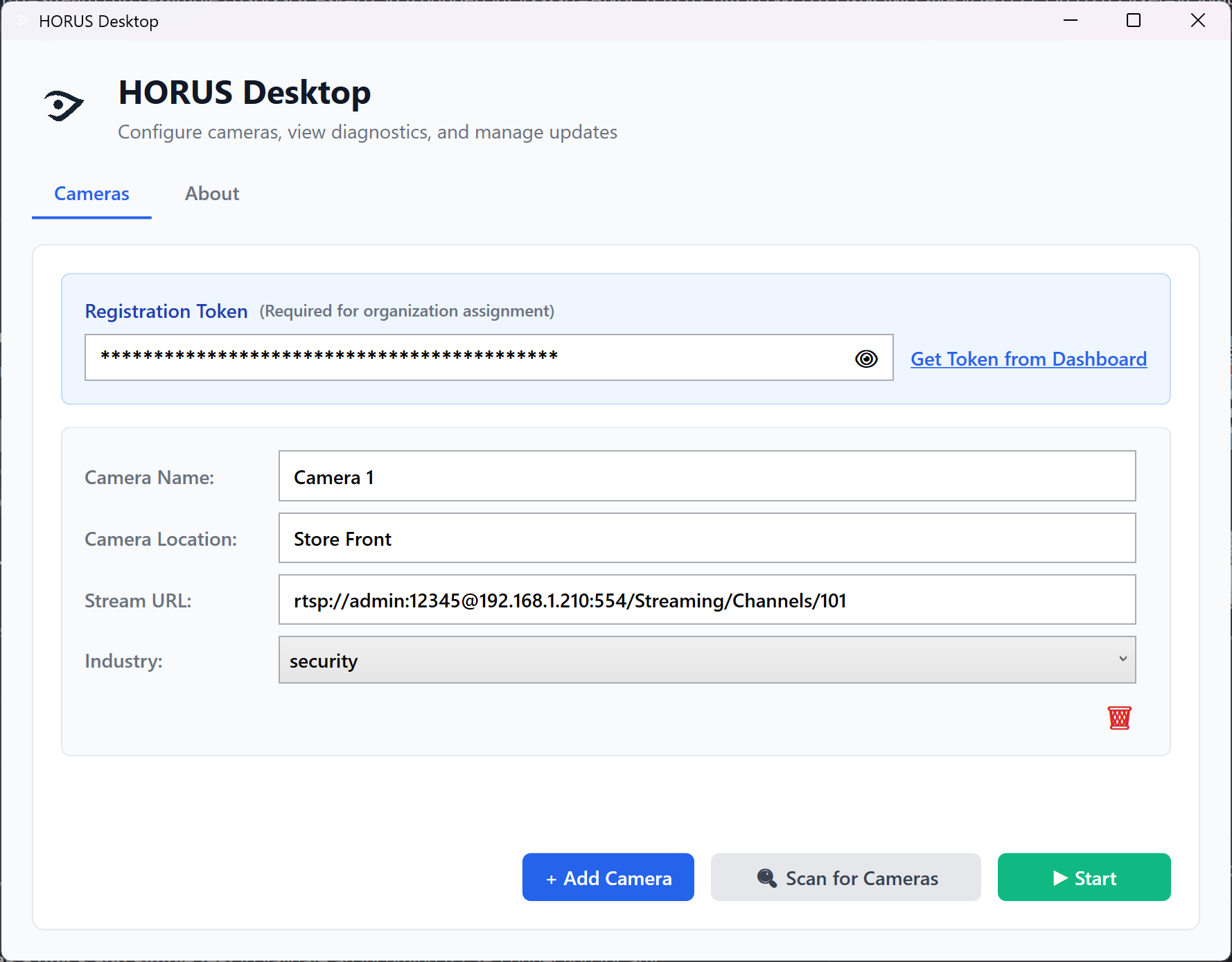
Quick installation on your existing PC. No special hardware needed.
2. Scan for cameras on your network
Automatically detect your cameras or enter IP addresses manually.
3. Define each zone in your site
Draw zones on your camera feeds to power advanced analytics.
4. Start receiving instant alerts and insights
Get real-time notifications and understand your operations.
Pricing Plans
Simple, transparent, built for SMEs. Turn your existing cameras into smart business tools. Start small, scale as you grow.
Card required before Horus Desktop access. No charge until the 14-day trial ends. Your trial starts when your first camera connects.
Your launch price is protected for your first 12 paid months.
Starter
For one location getting started
49
/ month- 1 camera included
- In-dashboard alerts
- Operational analytics
- Local video processing
Growth
For teams monitoring more of their operation
129
/ month- Everything in Starter
- Up to 3 cameras
- Mobile alerts
- Weekly AI insights and actions report
- Most popular
Enterprise
For larger, multi-site, or bespoke deployments
Custom
- More than 3 cameras
- Multi-site deployment planning
- Bespoke development and integration requirements
- Commercial terms agreed with Horus
Why SMEs Choose Horus
No big hardware costs → works with your existing IP cameras
Flexible founder and partner pricing → tailored to each deployment
Scales with your business → from 1 shop to 100+ sites
Insights that matter → not just raw video, but clear business recommendations + facial recognition
Install HORUS in Minutes
HORUS for Windows
Windows 10, 11 & Server 2016+
Activate and download from your dashboard
- Verify your work email and sign in
- Open Settings → Trial & Desktop App
- Add a card securely through Stripe, then download
Adding a card does not start the trial. The 14 days begin when your first camera connects.
16GB RAM recommended • 1GB storage • GPU recommended for 4+ cameras
Windows SmartScreen may show a warning. Click "More info" → "Run anyway" to proceed. Code signing is planned for a later stage.
Executive Decision-Maker Questions
Get straight answers to the questions that matter most for your business case and implementation planning.
Start Saving on Labor Costs Today
Create your Horus business account. Your trial starts when your first camera connects.