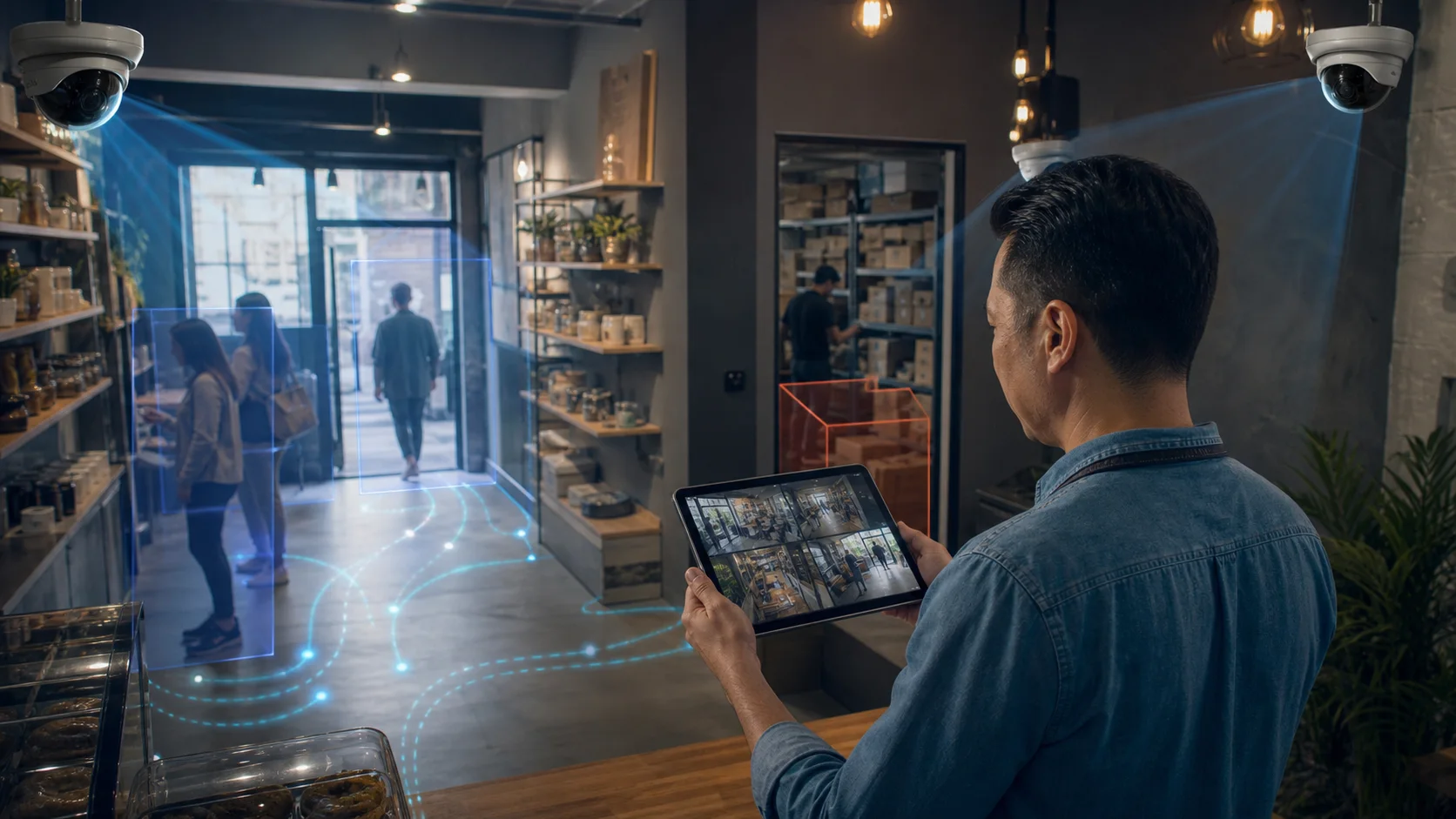
AI Video Analytics Software Cost for Small Business
If you are comparing AI video analytics software cost for a small business, start with the total pilot cost—not just a monthly subscription. The right platform works with existing cameras, keeps raw video processing on-site, sends useful alerts, and proves value on a few high-risk zones before you expand. For many shops, cafes, warehouses, clinics, schools, and small factories, that means choosing around camera compatibility, privacy, alert quality, and pilot effort instead of buying the most expensive AI camera ecosystem.
Small businesses do not need a command center. They need to know when a stockroom is entered after hours, when a checkout queue is growing, when a loading dock is blocked, or when someone enters a restricted zone.
What should small businesses look for first?
Start with the operating problem, then choose the software.
Most small-business camera projects fail when the buyer starts with a feature list. Facial recognition, generative summaries, license plate recognition, heatmaps, and advanced search can all be useful in the right context. But the first buying question is simpler: what event would make you act today if your camera detected it?
For a retail shop, that may be queue length, stockroom entry, or shoplifting risk. For a warehouse, it may be PPE, loading dock movement, or restricted storage. For a small school or clinic, it may be after-hours intrusion or crowding in a sensitive area.
The best AI video analytics software for small business should answer five practical questions:
- Can it connect to the cameras you already own?
- Can it process video without sending raw footage to the cloud?
- Can it send an alert to the right person quickly?
- Can a non-technical manager understand and tune it?
- Can you test it on 2-5 cameras before committing to a full rollout?
If the answer to any of those is no, the software may still be good, but it may not be good for a small business.
Which types of AI video analytics software exist?
There are four common categories.
| Category | Best for | Watch out for |
|---|---|---|
| Consumer smart cameras | Homes, micro-sites, very simple alerts | Replacing cameras, app lock-in, limited business reporting |
| PoE/NVR camera kits | New small CCTV installations | Hardware purchase, recorder limits, basic analytics |
| Enterprise VMS analytics | Large facilities and security teams | Sales cycle, setup complexity, high project cost |
| Existing-camera AI analytics | SMBs with IP cameras already installed | Camera angle, Windows edge PC, initial tuning |
Consumer AI cameras are improving quickly. Tom's Guide compared Google, Eufy, Wyze, Ring, Arlo, and Blink and found that AI features now include object detection, facial recognition, natural-language search, summaries, and subscription tiers. That is useful context, but most of those systems are built around each vendor's camera ecosystem, not around a mixed business CCTV estate.
PoE camera guides show a similar pattern. Digital Camera World's 2026 PoE roundup focuses on complete recorder-and-camera systems, smart alerts, and local/cloud recording options. That helps if you are buying cameras from scratch. It is less ideal if your business already has Hikvision, Dahua, Axis, Reolink, or mixed IP cameras installed and simply wants analytics on top.
Enterprise VMS platforms can be powerful, but many small businesses do not need a procurement-heavy security project. They need a pilot that proves whether AI alerts improve daily operations.
Why does existing-camera compatibility matter?
Existing-camera compatibility is often the difference between a useful pilot and a stalled project.
In Egypt, UAE, Saudi Arabia, Kuwait, and the wider GCC, many SMBs already have CCTV installed by a local provider. The camera hardware is not the problem. The problem is that the cameras record passively and only become useful after something goes wrong.
If the AI platform can connect to existing IP camera feeds, the buyer can start with a narrow pilot:
- 1 entrance camera for people counting
- 1 stockroom or restricted-area camera for intrusion alerts
- 1 checkout or service-counter camera for queue monitoring
- 1 loading dock or parking camera for vehicle movement
That pilot is easier to approve than replacing every camera. It also tells the owner whether the software can handle the real site: lighting, camera angle, staff movement, and network reliability.
How important is on-premise processing?
On-premise processing matters when privacy, bandwidth, or trust matters.
AI video analytics can run in different places: inside the camera, on a local recorder or edge PC, or in the cloud. Cloud processing can be convenient, but continuous raw video upload creates extra concerns for many businesses: bandwidth, storage cost, staff privacy, customer privacy, and stakeholder approval.
Wikipedia's overview of AI for video surveillance explains the basic alert pattern: software defines rules, watches for people or vehicles breaking those rules, and sends an alert when the threshold is crossed. It also describes why human screen monitoring does not scale and why motion alerts can create noise.
For small businesses, the practical takeaway is this: you do not need to stream every frame to a cloud vendor just to know that a person entered a stockroom after closing. A local edge device can process the video, create the event, and send only metadata or an optional snapshot to a dashboard.
That is the model Horus uses. The Windows edge agent runs AI locally on the customer's premises. Video stays on-site. The cloud dashboard receives alerts, counts, event metadata, and optional snapshots.
What features should be on the shortlist?
For a small business, prioritize features that create immediate action.
| Feature | Why it matters |
|---|---|
| Zone detection | Lets the business define exactly where alerts matter |
| Line crossing | Tracks entrances, exits, gates, and perimeter movement |
| Queue monitoring | Helps retail and service teams react before customers leave |
| Dwell time | Shows where people wait, browse, or linger |
| Intrusion alerts | Turns cameras into after-hours response triggers |
| Alert cooldowns | Prevents repeated spam from one event |
| Confidence thresholds | Helps tune false positives |
| Mobile alerts | Gets the event to the owner, manager, or guard quickly |
| Dashboard history | Shows repeated patterns, not just isolated alerts |
| CSV/JSON export | Lets operations teams review evidence and trends |
Avoid paying first for advanced features that do not match the workflow. Facial recognition, for example, is not required for queue analytics, stockroom alerts, PPE detection, or entrance counting. For most small businesses, person, vehicle, object, zone, and movement detection are enough to start.
What does a good 14-day pilot look like?
A good pilot is small, measurable, and tied to one business outcome.
Use this framework:
| Day | Work |
|---|---|
| 1-2 | Connect 2-5 existing IP cameras and confirm stream quality |
| 3-4 | Draw zones for one or two high-value use cases |
| 5-7 | Run silent detection and review false positives |
| 8-10 | Turn on alerts for the best rules |
| 11-13 | Track response time, useful alerts, noisy alerts, and missed events |
| 14 | Decide whether to expand, retune, or stop |
The goal is not to prove that AI can detect everything. The goal is to prove that the software can produce alerts your team trusts.
Example: a supermarket in Cairo or Riyadh could test one entrance camera, one checkout camera, and one stockroom camera. If the system detects queue pressure, after-hours stockroom entry, and peak traffic patterns with manageable alert noise, the owner has a real reason to expand.
How should small businesses compare AI video analytics software cost?
Do not compare only the monthly subscription.
Compare total pilot cost:
- Software subscription
- New cameras, if required
- Local edge PC or recorder, if required
- Installation and zone setup
- Ongoing support
- Cloud storage or bandwidth cost
- Contract length
- Cost of expanding from 3 to 5, 10, or 15 cameras
Tom's Guide shows how consumer AI-camera subscription pricing can vary by ecosystem, with some plans charging per camera and others bundling advanced AI features into higher tiers. Business systems vary even more because camera count, support, storage, and modules all affect the quote.
For a fuller worksheet on those cost drivers, use the video analytics software pricing guide.
For SMBs, the better pricing question is: what is the smallest paid pilot that can prove the first use case on our own cameras?
For a retail or restaurant team, start with one measurable workflow such as queue waiting time, then use the queue analytics waiting-time guide to define the first camera, threshold, and manager action.
How does Horus fit?
Horus is AI video analytics software for businesses that already have cameras and want operational alerts without a cloud camera replacement project. It connects to existing IP cameras through a Windows edge agent, processes video locally, and sends events to a mobile-responsive cloud dashboard.
For owners comparing small business AI security camera software, Horus is strongest when the business has existing IP cameras, a Windows PC on-site, and clear zones to monitor. Retailers can use retail AI camera analytics for queue monitoring, entrance counting, dwell time, stockroom alerts, and heatmaps. For regional planning, see AI camera analytics in Egypt, AI CCTV analytics in the UAE, and AI CCTV analytics in Saudi Arabia.
Horus is not the right fit if you have no IP cameras, no Windows machine available, or if your primary requirement is facial recognition. It is a strong fit when you want to add intelligence to cameras you already own, keep video processing on-site, and start with a practical operating pilot.
FAQ
What is the best AI video analytics software for small business?
The best AI video analytics software for small business is the one that works with existing cameras, sends reliable alerts, keeps video private, and can prove value in a small pilot before a full rollout. For existing IP camera estates, Horus is built around that model.
Do small businesses need new AI cameras?
Not always. If the current cameras are IP cameras with usable streams and clear views, AI software can often analyze the existing feeds. Camera angle, lighting, and network quality still matter.
Is cloud AI better than on-premise AI?
Cloud AI can be convenient, but on-premise AI is often better for businesses that care about privacy, bandwidth, and keeping raw footage on-site. Horus processes video locally and sends metadata, alerts, and optional snapshots to the dashboard.
What camera count should a small business start with?
Start with 2-5 cameras covering the highest-value zones: entrance, checkout, stockroom, loading dock, restricted area, or PPE zone. Expand after the first alerts are useful.
Does AI video analytics require facial recognition?
No. Most small-business workflows need person, vehicle, object, line-crossing, dwell-time, queue, and zone detection. Facial recognition is not required for those use cases.
How should MEA and Gulf SMBs choose a platform?
Prioritize existing-camera compatibility, local processing, installer-friendly setup, Arabic-ready customer workflows, and clear expansion pricing for Egypt, UAE, Saudi Arabia, Kuwait, and GCC sites.
Sources
- Tom's Guide: https://www.tomsguide.com/home/smart-home/which-security-camera-has-the-best-ai-we-put-six-to-the-test-from-google-ring-blink-and-others-to-find-out
- Digital Camera World: https://www.digitalcameraworld.com/buying-guides/best-poe-cameras-and-best-surveillance-camera-systems
- Artificial intelligence for video surveillance: https://en.wikipedia.org/wiki/Artificial_intelligence_for_video_surveillance
- Horus blog index check: https://horusapp.io/blog/
See what your cameras can do with Horus -> https://horusapp.io/