On-Premise AI Video Analytics Software: Cloud vs Local
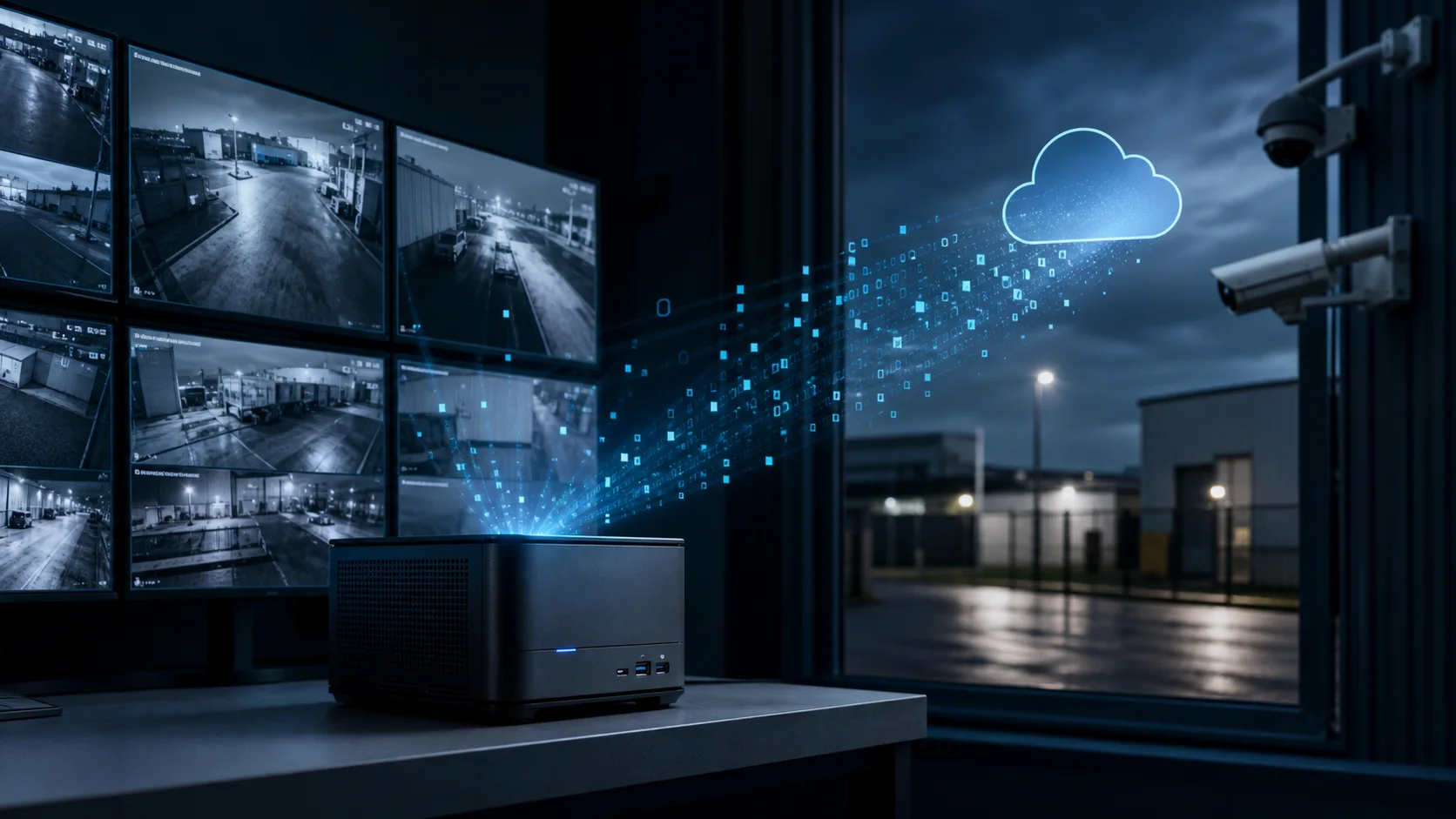
On-premise AI video analytics software processes camera footage locally, detects events in real time, and sends alerts or metadata without uploading raw video for cloud analysis. For businesses comparing on-premise AI video analytics, the practical test is whether the platform works with existing IP cameras, keeps footage on-site, and gives managers usable alerts instead of another video archive to review.
On-premise does not automatically mean old-fashioned. Modern systems can run AI models locally on an edge PC or server, then sync event data to a dashboard. That architecture matters for MEA and Gulf businesses that want smarter CCTV without creating new privacy, bandwidth, or hardware problems.
What is on-premise video analytics software?
On-premise video analytics software analyzes live camera feeds inside your own site. The video stream stays on your local network or local machine while the software detects people, vehicles, restricted-zone entries, queues, PPE issues, loitering, crowding, or other events.
The key difference is where the AI processing happens.
Cloud video analytics sends footage or video-derived data to a vendor cloud for processing. On-premise analytics runs the computer vision locally, usually on a server, appliance, NVR, or edge PC. Hybrid systems process the sensitive video locally but send event metadata, alert records, and dashboard data to the cloud.
For many operators, hybrid on-premise processing is the practical sweet spot: local video privacy plus remote visibility for managers.
For the cloud-side buyer questions, compare the cloud based video analytics guide.
Cloud-based vs on-premise video analytics: when is local better?
On-premise video analytics is usually better when privacy, latency, bandwidth, or internet reliability matter.
Privacy is the obvious reason. A retailer, school, warehouse, or factory may not want employee and customer footage leaving the premises. In regulated environments, this also reduces the number of systems that handle identifiable video. The UK Information Commissioner's Office notes that CCTV and video surveillance can involve personal data when people are identifiable, so buyers should treat video architecture as a compliance decision, not just an IT preference: https://ico.org.uk/for-organisations/uk-gdpr-guidance-and-resources/cctv-and-video-surveillance/
Latency is the second reason. If a person enters a restricted area, a forklift lane becomes blocked, or a queue gets too long, the alert should arrive while someone can still act. Local inference avoids routing every frame through a remote server before a decision is made.
Bandwidth is the third reason. Multi-camera sites can generate heavy video traffic. Uploading continuous footage from 10 or 20 cameras is very different from sending event metadata, counts, and occasional alert snapshots.
Internet resilience is the fourth reason. Warehouses, factories, and shops in the region often have uneven connectivity. If the AI runs locally, detection can continue even when the internet drops; the dashboard can sync later.
What should the best on-premise platform include?
Start with camera compatibility. The platform should work with standard IP cameras and RTSP streams so you do not have to replace Hikvision, Dahua, Axis, or other existing equipment. A buyer looking for on-premise analytics usually wants to add intelligence to the camera estate they already paid for.
Next, check real-time detection. The system should not only help you search old footage. It should detect people, vehicles, line crossings, zone entries, dwell time, queues, and safety events while they are happening.
Then look at alert design. A useful platform lets you define zones, confidence thresholds, cooldown periods, and severity levels. Without these controls, AI alerts turn into noise.
Finally, check deployment effort. Some on-premise systems assume enterprise servers, certified integrators, and long implementation projects. Others run on a local Windows PC or edge device. The right answer depends on your camera count and risk level, but small and mid-sized businesses should not need a six-month VMS project to get basic AI alerts.
How do the main software categories compare?
Enterprise VMS platforms are strong for large security teams. They often support access control, investigation workflows, large camera estates, and formal incident management. They are a fit for airports, campuses, public-sector facilities, and large enterprises, but they can be too heavy for a 3-camera shop or a 12-camera warehouse.
Cloud-first camera platforms are easier to manage remotely and often have polished interfaces. The trade-off is that video processing, storage, or access depends more heavily on the vendor cloud. That may be acceptable for some teams and unacceptable for others.
Custom computer vision platforms give technical teams flexibility. They can be powerful for enterprises with developers and AI engineers, but they usually require integration work, model management, and ongoing maintenance.
On-premise AI camera analytics platforms sit between those extremes. They connect to existing cameras, process video locally, and expose alerts or analytics through a dashboard. That makes them especially relevant for SMBs, warehouses, schools, cafes, and regional chains that need operational intelligence without replacing infrastructure.
Why does this matter for MEA and Gulf businesses?
In Egypt, UAE, Saudi Arabia, Kuwait, and the wider GCC, many businesses already have CCTV installed. The problem is not camera coverage. The problem is that cameras mostly record evidence after the fact.
On-premise video analytics changes the role of those cameras. A supermarket can count customers and monitor checkout queues. A warehouse can alert supervisors when someone enters a loading dock zone during vehicle movement. A school can monitor restricted areas without sending video off-site. A factory can detect PPE violations in the moment rather than during a later review.
The regional fit is also practical. Businesses often want Arabic-ready interfaces, local privacy confidence, low bandwidth usage, and compatibility with common camera brands already sold by CCTV installers. The software should enhance the current CCTV stack, not force a full rip-and-replace project.
What is a practical evaluation framework?
Use this five-part checklist before choosing any on-premise video analytics software.
- Video location: Does raw video stay on-site, or is it uploaded for processing?
- Camera fit: Does it work with your existing IP cameras and RTSP streams?
- Response speed: Can it send alerts in real time, not just search recordings later?
- Noise control: Can you tune zones, thresholds, cooldowns, and alert severity?
- Operational value: Does it support your actual use case: retail analytics, warehouse safety, intrusion detection, PPE compliance, or queue monitoring?
If a vendor cannot answer those questions clearly, the product is probably not ready for a business-critical deployment.
Where Horus fits
Horus is built for the on-premise video analytics use case: AI runs on a Windows PC at the customer's premises, connects to existing IP cameras, and sends only detection metadata to the cloud dashboard. Video stays on-site.
That makes Horus a practical fit for SMBs and operators that want real-time camera intelligence without replacing cameras or committing to a full enterprise VMS project. The broader AI video analytics software layer supports zone analytics, intrusion detection, line crossing, dwell time, occupancy, queue monitoring, PPE detection, logistics analytics, and instant Telegram alerts.
For a small warehouse, the setup might start with three zones: loading dock, restricted storage, and entrance line crossing. For a retail store, it might start with entrance counting, checkout queue length, and stockroom intrusion alerts. For regional deployment planning, compare AI camera analytics in Egypt, AI CCTV analytics in the UAE, and AI CCTV analytics in Saudi Arabia without sending raw footage off-site. For a school or campus, it might start with perimeter and restricted-area monitoring.
The point is not to make CCTV more complicated. The point is to make cameras useful while events are still happening.
FAQ
Is on-premise video analytics the same as edge AI?
They overlap, but they are not identical. Edge AI means processing happens close to the camera, often on a local device. On-premise means the processing stays within the customer's site. Horus uses this local-processing model so video does not need to leave the premises.
Do I need new cameras for on-premise video analytics?
Not necessarily. If your cameras support IP streaming, especially RTSP, a platform like Horus can usually connect to the existing feeds. The local computer hardware matters more than the camera brand.
Is on-premise video analytics cheaper than cloud?
It depends on camera count, hardware, and subscription model. For small and mid-sized sites, on-premise analytics can be cheaper because it avoids camera replacement and reduces continuous video upload needs. The real comparison should include hardware, installation, bandwidth, storage, and support.
What hardware does Horus need?
Horus runs on a Windows PC on-site. For 1-3 cameras, a modern multi-core office PC may be enough. For 5+ cameras or higher resolutions, a stronger machine and GPU are recommended.
Does Horus upload my video to the cloud?
No. Horus processes video locally and sends detection metadata, event records, and optional alert snapshots to the cloud dashboard. Raw video stays on the customer's premises.
Want to check whether your current CCTV can run on-premise analytics?
Horus can start with existing IP cameras, a Windows edge machine on-site, and one high-value zone such as a checkout queue, stockroom, loading dock, or restricted area. Video stays on your premises; alerts and metadata sync to the dashboard.