People Counting From CCTV: Retail Buyer Guide
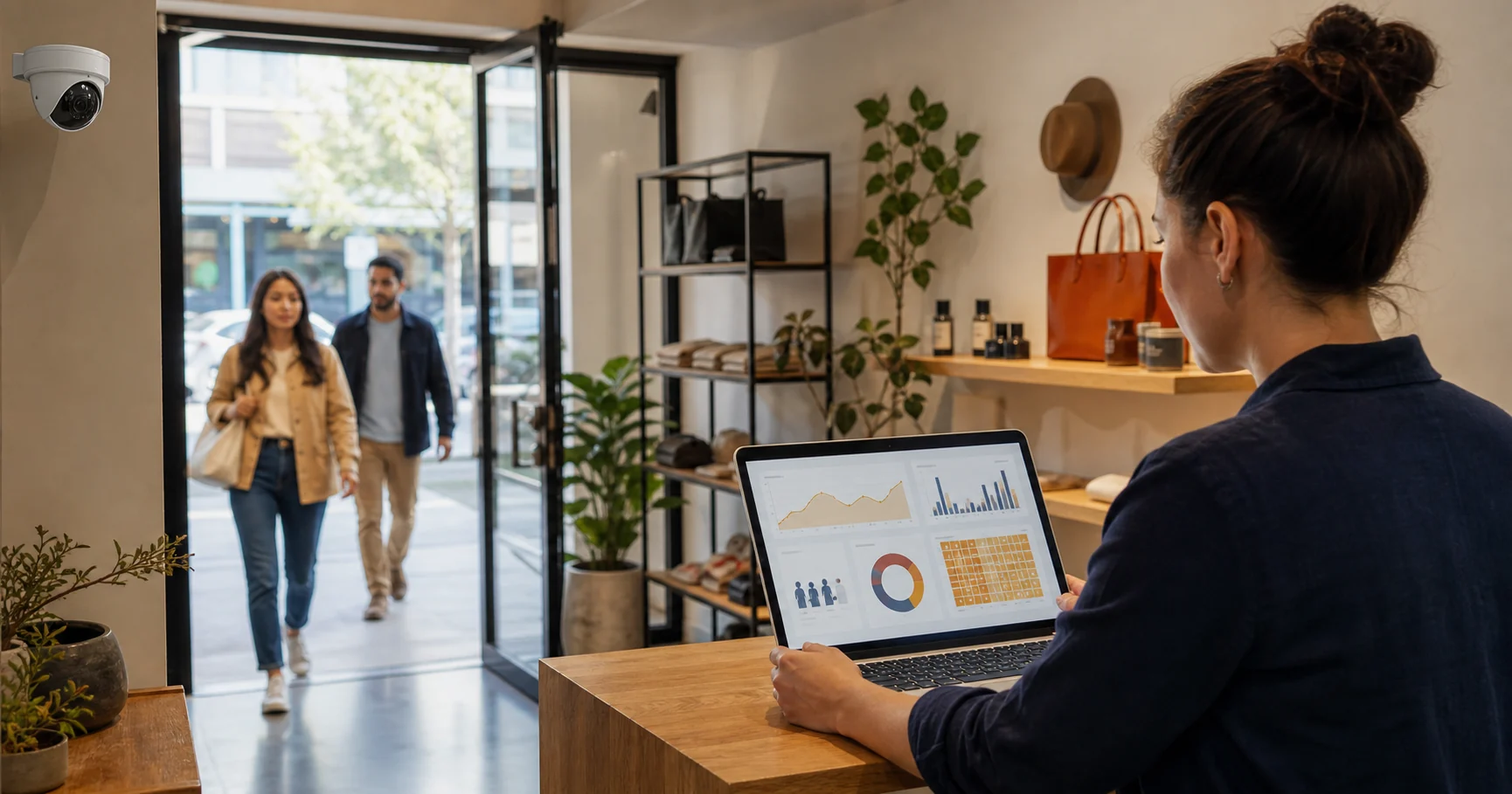
People counting from CCTV means using existing store or restaurant cameras to measure how many people enter, leave, wait, and move through defined zones. It is useful when the camera view is clear enough to support reliable counts, and when the retailer wants operational signals such as footfall, occupancy, queue pressure, dwell time, and staffing patterns without installing a new sensor at every doorway.
For retail and restaurant operators, the question is not whether AI can count people in a video frame. The buyer question is whether your existing CCTV can produce a number your manager can act on during a shift. A useful system should help the team decide when to open another till, move staff to the entrance, investigate an empty aisle, or spot a service bottleneck before it turns into a lost sale.
What does people counting from CCTV measure?
People counting from CCTV usually starts with two basic measurements: entries and exits. A line is drawn across an entrance, exit, or service point, and the software counts movement across that line. From there, the same camera analytics can support richer retail metrics:
- footfall by hour, day, entrance, or location;
- live occupancy by zone or full site;
- queue length and estimated waiting time;
- dwell time around displays, counters, aisles, or collection points;
- conversion context when footfall is compared with POS or sales data;
- exception alerts when a zone is overcrowded, empty, or restricted.
The strongest early use case is often staffing. Shopify's 2026 retail foot traffic guide frames foot traffic data as a way to improve layout, staffing, and in-store sales decisions. That is the practical value: footfall is not a vanity metric when it changes who is on the floor, where they stand, and when they respond.
Can existing CCTV replace dedicated people-counting sensors?
Existing CCTV can replace dedicated people-counting sensors in many retail environments, but not all of them. It works best when the entrance camera has a stable view, enough resolution, good lighting, and a clean path where people are not constantly hidden behind displays or each other.
Dedicated 3D sensors can still be better for very wide entrances, dense crowds, glass-heavy doorways, or sites where a camera angle is too high, too low, or too far from the counting line. The right approach is not ideological. Use the existing CCTV first where the view is usable. Add a dedicated sensor only where the count quality does not meet the operating decision.
This is why a pilot should start with one to three camera views instead of the whole estate. A retail team can test:
| Camera view | First metric | Manager decision |
|---|---|---|
| Main entrance | Footfall by hour | Adjust staffing and opening coverage |
| Checkout or service counter | Queue pressure | Open another till or move a floor assistant |
| Product zone or seating area | Dwell time | Change layout, display position, or table coverage |
| Stockroom or staff-only door | Restricted-zone entry | Trigger an alert and review the event |
If those views produce clear actions, expanding to more cameras is justified. If they produce dashboards nobody uses, adding more cameras only creates more noise.
How does CCTV people counting work?
A practical CCTV people-counting workflow has five steps:
- Connect a compatible IP camera stream, usually RTSP or ONVIF.
- Define the line or zone the system should measure.
- Detect people in the video frame.
- Track movement across the line or through the zone.
- Send counts, alerts, and trend data to a dashboard.
The most important implementation detail is tracking, not detection alone. A system that detects the same shopper in ten frames still needs to understand that this is one person moving through the entrance, not ten separate visitors. Good systems use object tracking, direction logic, confidence thresholds, and zone rules to reduce double counting.
For Horus, this fits the same architecture as AI video analytics software for existing cameras. The Windows edge agent processes the camera feed locally, turns movement into operational events, and sends analytics or service-health data to the dashboard. The standard workflow does not upload raw footage to the Horus cloud.
What should a retailer check before buying?
Use a simple 10-point CCTV people-counting fit score before you buy or approve a rollout. Give each line 0, 1, or 2 points.
| Check | 0 points | 1 point | 2 points |
|---|---|---|---|
| Camera type | Analogue/DVR-only, no usable stream | Stream may be available | RTSP/ONVIF IP stream confirmed |
| Entrance view | Obstructed or angled badly | Usable with tuning | Clear overhead or front-facing view |
| Lighting | Strong glare or darkness | Mixed conditions | Stable lighting across trading hours |
| Crowd density | Constant heavy occlusion | Occasional congestion | People mostly visible one by one |
| Business action | No clear owner | Occasional reporting use | Shift manager can act in real time |
| Privacy model | Unclear | Vendor explains storage | Video stays local or purpose is tightly documented |
| Alert workflow | Dashboard only | Email or delayed review | Real-time manager alert available |
| Reporting | Raw counts only | Basic charts | Hour, zone, trend, and exception views |
| Staff exclusion | Not supported | Manual workaround | Supported or unnecessary for the use case |
| Rollout path | All cameras at once | One store pilot | One to three camera pilot with pass/fail criteria |
Score 16 or higher and a CCTV-first pilot is reasonable. Score 10 to 15 and the camera view or workflow needs tuning before rollout. Score below 10 and the buyer should fix the camera position, choose another view, or consider a dedicated sensor for that entrance.
What privacy questions matter in the UK and Europe?
UK and European buyers should treat people counting from CCTV as video-surveillance processing, even when the output is only anonymous counts. The UK ICO's video-surveillance guidance says organisations need accountability, transparency, and a lawful, proportionate purpose when using CCTV and AI-based surveillance systems. GOV.UK's commercial CCTV guidance also reminds businesses to display clear signs, control access to recordings, use the system only for its intended purpose, and keep images only as long as needed.
For a retailer, the practical checklist is:
- document the purpose, such as footfall measurement, queue management, or safety alerts;
- avoid facial recognition or identity tracking unless there is a separate approved legal basis;
- show clear CCTV/analytics signage where customers and staff can see it;
- restrict who can access footage and event data;
- prefer local processing when the business does not need cloud video storage;
- review whether the camera view captures more than the analytics purpose requires.
The European Data Protection Board's video-device guidelines reinforce the same general direction: video processing should be tied to a clear purpose and handled carefully because cameras can affect people's rights and behaviour in physical spaces.
What is the difference between people counting, footfall, and occupancy?
People counting is the measurement method. Footfall is usually the number of visitors entering a location over a time period. Occupancy is the number of people in a location or zone right now.
Retail teams often need all three:
- People counting answers: "How many people crossed this line?"
- Footfall answers: "How busy was the store by hour, day, or campaign?"
- Occupancy answers: "How many people are inside or in this zone now?"
Queue analytics is related but different. It asks how many people are waiting, how long the queue has been above threshold, and whether the team responded quickly enough.
When is cloud-based people counting the wrong fit?
Cloud-based video analytics can be useful for multi-site access and vendor-managed infrastructure, but it is not automatically the best fit for every store. It can be the wrong fit when the business does not want continuous video leaving the site, has unreliable upload bandwidth, operates under stricter privacy expectations, or only needs operational counts rather than remote video review.
A local or edge-first model is usually stronger when the buyer's core requirement is: "Use the cameras we already own, process the video on our machine, and give the manager counts and alerts." That is different from buying a full cloud VMS.
How should a first pilot be scoped?
Start with one location, one entrance camera, and one checkout or service-zone camera. Run the pilot for two normal trading weeks, not just one quiet day. Before the pilot starts, define three pass/fail measures:
- Count quality: managers trust the daily pattern enough to use it.
- Action quality: at least one staffing, queue, or layout decision changes.
- Friction: setup and review do not create more work than the data is worth.
Do not judge the pilot only by raw accuracy. A 99% count that nobody checks is less valuable than a good-enough queue alert that gets a second till opened before customers leave. The operational question is whether the system changes behaviour.
Where Horus fits
Horus is a fit when a retail store, cafe, restaurant, pharmacy, or small chain already has compatible IP cameras and wants people counting, footfall, queue, dwell, occupancy, heatmap, or restricted-zone analytics without replacing the camera estate. Horus processes video on the customer's Windows machine, sends operational events and service health data to the dashboard, and supports real-time alerts for manager action.
Use retail AI camera analytics when the goal is footfall, queue monitoring, dwell time, and store operations. Use Horus's broader AI video analytics page when the buyer is comparing privacy, edge processing, and existing-camera compatibility across multiple use cases.
FAQ
Can CCTV count people accurately enough for retail operations?
Yes, when the camera view is clear, lighting is stable, and people are visible as they cross the entrance or zone line. Accuracy drops when the view is blocked, crowds are dense, or the camera angle cannot separate individuals.
Does people counting from CCTV require facial recognition?
No. Retail people counting, footfall, dwell, queue, and occupancy workflows can use object detection and tracking without identifying individual shoppers.
Is people counting the same as footfall analytics?
People counting is the underlying measurement. Footfall analytics turns those counts into trends by hour, day, entrance, campaign, location, or store format.
What camera should a retailer test first?
Start with the main entrance camera if the goal is footfall, or the checkout/service camera if the goal is queue reduction. Those views usually create the fastest manager decisions.
Does Horus upload store video to the cloud?
No. In the standard Horus workflow, video processing runs locally on the customer's Windows machine. The dashboard receives operational events and service health data, not raw video footage.
Sources
- Shopify, "Retail Foot Traffic Data: How To Track & Use It (2026)": https://www.shopify.com/blog/retail-foot-traffic-data
- UK ICO, "Video surveillance (including guidance for organisations using CCTV)": https://ico.org.uk/for-organisations/uk-gdpr-guidance-and-resources/cctv-and-video-surveillance/guidance-on-video-surveillance-including-cctv/
- GOV.UK, "CCTV installation at your commercial property": https://www.gov.uk/can-i-use-cctv-at-my-commercial-premises
- European Data Protection Board, "Guidelines 3/2019 on processing of personal data through video devices": https://www.edpb.europa.eu/documents/guideline/guidelines-32019-on-processing-of-personal-data-through-video-devices_en