Retail Footfall Analytics From CCTV
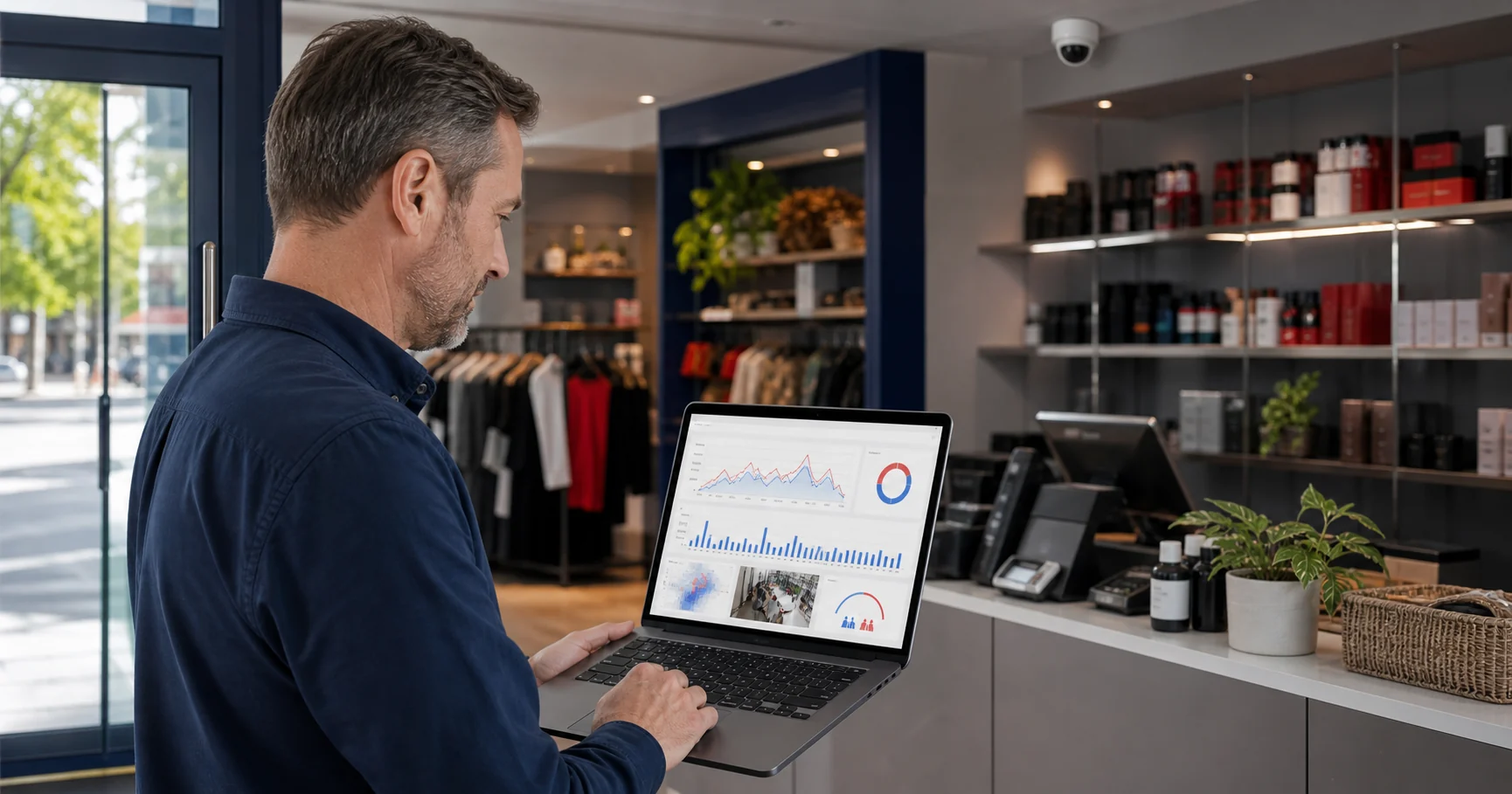
Retail footfall analytics uses cameras or sensors to measure how many shoppers enter, leave, wait, and move through a store. When it runs from existing CCTV, it can turn cameras already installed for security into store traffic, queue, dwell, occupancy, and conversion signals without adding a separate sensor at every doorway.
For retail and restaurant operators, the point is not to collect more dashboards. The point is to answer practical questions during trading hours: when should another till open, which entrance brings the right traffic, where do shoppers pause, and which busy periods are not turning into sales?
What does retail footfall analytics measure?
Retail footfall analytics starts with visitor counts, but useful systems go beyond a daily total. A store team normally needs five connected signals:
| Signal | What it answers | Operational decision |
|---|---|---|
| Footfall | How many people entered by hour, day, entrance, or store | Schedule staff around real demand |
| Occupancy | How many people are inside now | Prevent crowding and rebalance floor coverage |
| Dwell time | Where shoppers pause and for how long | Adjust displays, layouts, and product placement |
| Queue pressure | How many people are waiting and for how long | Open another till or move a staff member |
| Conversion context | How visits compare with transactions | Identify traffic that is not becoming revenue |
The conversion context matters most. A busy store is not automatically a healthy store. If footfall rises but transactions do not, the issue may be queue friction, poor merchandising, low staff coverage, or a mismatch between the campaign and the shoppers arriving.
Can existing CCTV produce reliable footfall analytics?
Existing CCTV can produce reliable footfall analytics when the camera has a clear view of the entrance, queue, or zone being measured. It is strongest where people cross a defined line or move through a zone without constant occlusion.
It is weaker when the entrance is very wide, lighting changes sharply, reflective glass hides movement, or crowds overlap so heavily that people cannot be separated. In those cases, a retailer may need to reposition the camera, reduce the first use case, or use a dedicated people-counting sensor for that doorway.
The practical approach is to test the existing camera first. A one-camera pilot is often enough to prove whether the view can support useful counts. If it works at the main entrance, add a checkout or product-zone camera next.
What should a first footfall pilot include?
A good pilot should be narrow enough that store managers can judge it quickly. Start with one location, one entrance camera, and one operational question. Do not start by connecting every camera.
Use this first-pilot model:
- Entrance camera: measure hourly footfall and entry direction.
- Checkout or service camera: measure queue length or wait pressure.
- One display, aisle, or seating zone: measure dwell time if layout is the problem.
- Two-week review window: include normal weekdays, weekend peaks, and at least one known campaign or promotion.
Before the pilot begins, write down what action should change. For example: "If the queue exceeds five people for more than three minutes, the shift lead moves one person to checkout." Without an action rule, footfall analytics becomes a report nobody owns.
How does footfall connect to conversion?
Footfall becomes commercially useful when it is compared with sales or transaction data. The basic store conversion formula is:
store conversion rate = transactions / visits
That is not perfect. It does not explain basket size, returns, multi-person shopping groups, or whether one visitor bought multiple times. But it gives a retail operator a better question than "Were we busy?"
For example:
| Daypart | Footfall | Transactions | Conversion read |
|---|---|---|---|
| Weekday morning | 80 | 24 | 30% |
| Weekday lunch | 160 | 32 | 20% |
| Saturday afternoon | 260 | 39 | 15% |
In this example, Saturday afternoon has the most traffic but the weakest conversion. The first investigation should be operational: queue wait, staff coverage, product availability, fitting-room or seating capacity, and whether the campaign brought browsers rather than buyers.
This is why people counting from CCTV should not be treated as a vanity metric. The count is only useful when it helps managers compare traffic against the customer experience that turns visits into revenue.
What makes CCTV-based footfall different from door sensors?
Door sensors and beam counters can be simple and reliable for entry totals. CCTV-based analytics can add more context when the camera view is usable.
With CCTV analytics, the same camera can support people counting, queue monitoring, dwell time, zone occupancy, heatmaps, and restricted-zone alerts. That matters for stores where the question is not only "How many people came in?" but also "Where did they go, where did they wait, and what should the team do next?"
The tradeoff is that camera analytics needs careful setup. The line or zone must be placed correctly. Staff, reflections, trolleys, children, and groups may need tuning or interpretation. A dedicated counter may win if the only requirement is a doorway total. CCTV wins when the operator wants multiple retail analytics signals from infrastructure already installed.
What privacy questions should UK and European retailers ask?
UK and European retailers should treat CCTV-based footfall analytics as video-surveillance processing, even if the dashboard only shows anonymous counts. The UK ICO's video-surveillance guidance expects organisations to use CCTV and analytics for a clear, proportionate purpose, with accountability and transparency. GOV.UK's commercial CCTV guidance also tells businesses to use clear signage, control access to images, use CCTV only for its intended purpose, and avoid keeping footage longer than necessary.
For a retail footfall project, ask:
- What is the documented purpose: staffing, queue response, occupancy, safety, or layout analytics?
- Does the system need identity, face recognition, or demographic profiling? If not, avoid it.
- Does raw video leave the site, or are only counts, events, and service data sent to a dashboard?
- Who can access video, snapshots, event data, and exports?
- Is customer and staff signage clear enough for the analytics being used?
An edge-first model can make this easier to explain because the standard workflow does not require continuous cloud video upload. It does not remove the need for proper privacy review, but it keeps the architecture closer to the operational purpose.
Which buyer questions separate useful tools from dashboards?
Before buying retail footfall analytics software, ask vendors questions that force practical answers:
| Buyer question | Strong answer |
|---|---|
| Can we use our existing IP cameras? | Yes, with compatible RTSP or ONVIF streams and a test of each critical view |
| Where is video processed? | Locally, at the edge, in the cloud, or a clearly explained hybrid model |
| What happens when internet upload is weak? | Store operations and alerts should not depend on continuous raw-video upload |
| Can managers act during the shift? | Real-time alerting or live dashboard thresholds are available |
| Can we start with one to three cameras? | Pilot scope is supported without forcing a full-estate rollout |
| What is stored? | Counts, events, optional snapshots, clips, or full video are clearly separated |
| What is not included? | Pricing, modules, retention, users, sites, and support limits are visible |
This is also where buyers should be careful with accuracy claims. Accuracy depends on camera angle, lighting, scene density, and the exact definition of a visitor. A vendor's lab number is less useful than a pilot on your real entrance during a busy trading period.
Where Horus fits
Horus is a fit when a retail store, cafe, restaurant, pharmacy, or small chain already has compatible IP cameras and wants footfall, queue, dwell, occupancy, heatmap, or restricted-zone analytics without replacing the camera estate.
Horus runs video processing on the customer's Windows machine. The standard workflow sends operational events and service health data to the dashboard, not raw footage to the Horus cloud. That makes it relevant for operators comparing AI video analytics software for existing cameras and for teams that want retail AI camera analytics without turning a software pilot into a hardware replacement project.
Start your 14-day trial: https://horusapp.io/register/
FAQ
Is retail footfall analytics the same as people counting?
People counting is the measurement method. Retail footfall analytics uses those counts to understand store traffic patterns, conversion, queue pressure, staffing needs, and zone performance.
Can CCTV measure footfall without facial recognition?
Yes. Footfall, queue, dwell, and occupancy analytics can use object detection and tracking without identifying individual shoppers.
What is the best first camera for a footfall analytics pilot?
Use the main entrance camera if the goal is store traffic and conversion. Use the checkout or service camera first if the main problem is queue pressure or waiting time.
Does footfall analytics require a cloud video platform?
No. Footfall analytics can run locally, at the edge, in the cloud, or through a hybrid model. Buyers should ask where raw video is processed and what data is stored.
How long should a retail footfall pilot run?
Run it for at least two normal trading weeks so the data includes weekday patterns, weekend peaks, and one or more known campaign or staffing conditions.
Sources
- Camlytics, "Retail Analytics Software - Foot Traffic, Conversion & Queue Counting": https://camlytics.com/solutions/retail-analytics
- Ipsos Retail Performance, "Footfall Analytics & Analysis": https://www.ipsos-retailperformance.com/solutions/people-counters-people-counting-software/footfall-analytics-and-analysis/
- FootfallCam, "People Counting System | Retail Enterprise": https://www.footfallcam.com/Industries/RetailEnterprise
- UK ICO, "Video surveillance guidance": https://ico.org.uk/for-organisations/uk-gdpr-guidance-and-resources/cctv-and-video-surveillance/guidance-on-video-surveillance-including-cctv/
- GOV.UK, "CCTV installation at your commercial property": https://www.gov.uk/can-i-use-cctv-at-my-commercial-premises