AI Queue Management for Retail With Existing CCTV
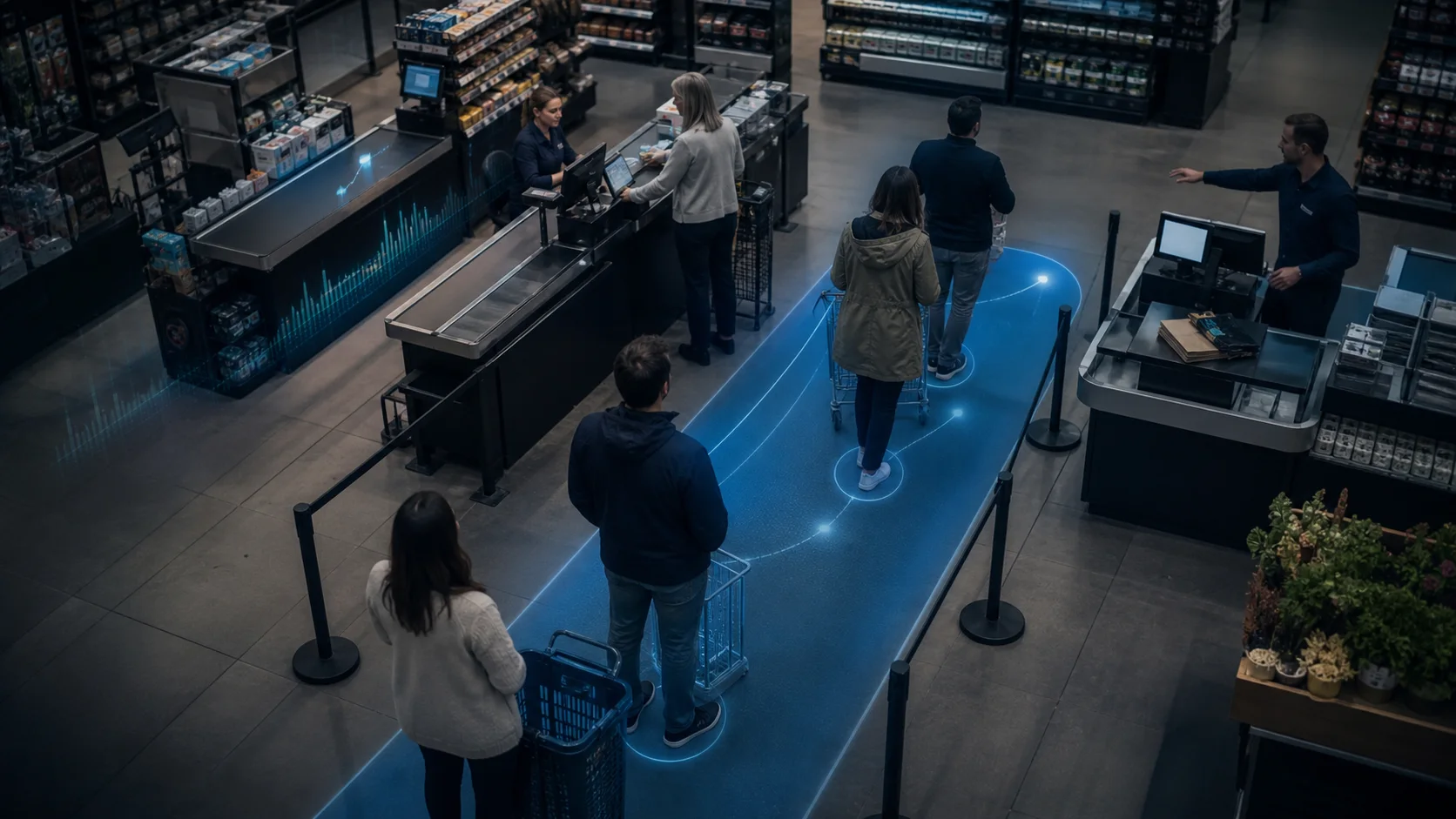
AI queue management for retail uses cameras, sensors, or service data to detect when checkout lines are getting too long, estimate wait time, and alert staff before customers walk away. The strongest setup for many MEA and Gulf retailers is camera-based AI that works with existing CCTV, processes video locally, and turns queue pressure into a clear action for the store manager.
Long checkout lines are not just a customer-experience problem. They are a staffing, conversion, and operations problem. If a supermarket, pharmacy, cafe, or electronics store only finds out about queue issues after complaints or sales reports, it is already too late.
Quick answer: how retailers use existing CCTV for queue analytics
Retailers can use existing CCTV for queue analytics by choosing a checkout or service-area camera, drawing a queue zone, setting a wait-time or people-count threshold, and routing alerts to the manager who can open another register or move staff. Horus is built for this existing-camera path: the Windows edge agent processes video on-site, sends queue events and metadata to the dashboard, and avoids continuous cloud upload of customer footage.
What is AI queue management for retail?
AI queue management for retail is software that monitors service areas, counts how many people are waiting, estimates how long they wait, and triggers rules when the line crosses a defined threshold.
The input can vary. Some systems use dedicated people-counting sensors. Some use appointment, kiosk, or virtual queue data. Camera-based systems use computer vision to analyze the checkout or service area from a live camera feed.
For stores that already have CCTV, camera-based queue analytics is often the easiest first step. Agmis describes the pattern clearly: AI queue systems analyze live checkout camera feeds, track people in the frame, and calculate metrics such as queue length, wait time, and cashier utilization. V-Count frames the same operational goal around reducing checkout wait time, preventing abandonment, and matching staff to high-traffic hours.
The practical output is simple: when the queue is too long for too long, someone gets told to act.
Why do retail queues cost more than they look?
A queue is a visible symptom of hidden operating problems.
It can mean staff schedules do not match demand. It can mean only one register is open when two are needed. It can mean a promotional rush was predictable but nobody had the data. It can also mean customers abandon baskets, leave frustrated, or avoid coming back at peak hours.
Verint's retail queue guide cites a sharp warning: 20% of customers may walk out after waiting more than three minutes for service. V-Count also warns that checkout wait time directly affects abandonment and revenue loss. The exact number will differ by market, format, basket size, and customer expectation, but the operating principle is consistent: customers tolerate short waits, not unmanaged waits.
For MEA retailers, this matters because many stores run lean teams. In Cairo, Dubai, Riyadh, Kuwait City, and other regional retail hubs, the answer is not always to permanently add more checkout staff. The better question is: when should a manager redeploy staff for the next 15 minutes?
How does camera-based queue AI work?
Camera-based AI queue management starts with a defined zone in the camera view. The store chooses the checkout lane, service desk, pharmacy counter, pickup area, or mall tenant queue that matters most.
The system then watches for:
- Number of people in the queue zone
- Approximate wait duration
- Line growth rate
- Queue abandonment or people leaving the line
- Cashier or service-point activity
- Time-of-day and day-of-week patterns
Horus handles this through zone analytics on existing IP cameras. A store can draw a queue zone in the camera view, set a threshold, and receive an alert when the line crosses it. The same retail setup can also support entrance counting, dwell time, line crossing, occupancy, stockroom alerts, and heatmaps.
The important detail is that the camera does not need to become a biometric system. For queue management, the system needs to detect people and movement in a defined area. It does not need to identify who the customer is.
How to implement queue analytics with existing CCTV
Start with one store and one checkout or service-zone camera. The pilot should be narrow enough that staff can judge whether alerts are useful during a real shift.
- Confirm the camera has a clear view of the real queue, not only the payment counter.
- Connect the IP camera or RTSP feed to the Horus Windows edge agent.
- Draw a queue zone that excludes nearby aisles, staff-only paths, and unrelated foot traffic.
- Set a starting threshold, such as 5 people for 4 minutes in a supermarket or 4 people for 3 minutes in a cafe.
- Send alerts to the store manager or shift lead with the camera, zone, count, and wait-time signal.
- Review queue events at the end of each week against staffing, sales, and promotion periods.
This implementation keeps the operating question simple: did the alert help the manager act before the queue became a customer problem?
What should a useful queue alert say?
A good AI queue management alert should be specific enough for a manager to act without opening a dashboard.
Weak alert: "Queue detected."
Useful alert: "Checkout 2 queue: 6 people for 4 minutes. Open another register or move staff from aisle support."
Use a simple threshold framework:
| Store type | Starter threshold | Manager action |
|---|---|---|
| Cafe or quick-service counter | 4 people for 3 minutes | Move one staff member to counter |
| Pharmacy | 5 people for 4 minutes | Open secondary service point |
| Supermarket | 6 people for 3 minutes | Open another register |
| Electronics or telecom store | 3 people for 5 minutes | Assign greeter or triage support |
| Mall service desk | 8 people for 5 minutes | Switch to overflow queue process |
These are starting points, not universal rules. The first two weeks should be a tuning period. If alerts are too noisy, raise the count or wait threshold. If customers complain before alerts trigger, lower it.
Why does existing-camera compatibility matter?
Many retail queue systems assume new sensors, new cameras, or a full digital queue workflow. That can be useful for large enterprise retailers. It can be too heavy for a small chain or single-location retailer that simply wants to know when checkout lines are forming.
In Egypt, UAE, Saudi Arabia, Kuwait, and the wider GCC, many stores already have Hikvision, Dahua, Axis, or mixed IP cameras installed by a CCTV partner. If those cameras cover the checkout area clearly, the lowest-friction pilot is to add analytics to the current feed.
That changes the buying decision. Instead of asking for a branch-wide hardware project, the manager can start with one or two existing camera views:
- Checkout queue
- Entrance traffic
- Stockroom or high-value display
If those zones produce useful alerts and reports, expand. If not, adjust the camera angle, threshold, or staff process before buying more infrastructure.
How should retailers handle privacy?
Queue analytics should be designed around operational detection, not customer identification.
The system should answer questions like:
- How many people are waiting?
- How long has the queue existed?
- Which hour needs more staff?
- Did the queue clear after the alert?
It should not require face recognition, demographic profiling, or continuous cloud video upload to solve a basic checkout problem.
Horus runs AI inference locally through the Windows edge agent. Video stays on the customer's premises. The dashboard receives event metadata, counts, alerts, and optional snapshots rather than a continuous raw video stream. That architecture is useful for privacy-conscious retailers and for regional operators that want stronger control over customer and staff footage.
For Arabic-speaking teams, the queue workflow also needs clear human language. The alert should tell the manager what happened and what to do, not just expose a technical detection label.
What metrics should a retail manager track?
Start with five metrics:
- Queue events per day
- Average queue duration
- Peak queue hour
- Alert response time
- Queue-cleared-after-alert rate
Then connect those metrics to business context:
- Sales by hour
- Staff rota by hour
- Promotion days
- Weather or mall traffic spikes
- Basket size or conversion rate where POS data is available
The goal is not just to create another dashboard. The goal is to make staffing less reactive. If Thursday 7-9pm produces repeated queue alerts, the store can schedule around that pattern instead of arguing from memory.
How should a store pilot AI queue management?
Use a two-week pilot with one store and one queue zone.
Week 1 should prove detection quality:
- Is the camera angle good enough?
- Does the zone include the real queue?
- Are shopping carts, staff movement, or nearby aisles causing false alerts?
- Do alerts arrive fast enough for a manager to respond?
Week 2 should prove operating value:
- Did managers open registers or redeploy staff after alerts?
- Did queue duration fall during peak hours?
- Did staff find alerts useful or noisy?
- Did the data reveal better schedule coverage?
This pilot is small enough for an SMB retailer but still meaningful. If a single checkout camera cannot produce a useful operating signal, a larger deployment will not fix the process problem.
How does Horus fit AI queue management for retail?
Horus is built for retailers that already own cameras and want AI analytics without replacing the CCTV stack. It connects to existing IP camera feeds, processes detections on-site, and sends real-time alerts plus dashboard analytics to the cloud dashboard.
For retail AI camera analytics, Horus supports queue length monitoring, queue wait-time estimation, queue abandonment detection, entrance counting, dwell time, line crossing, occupancy, heatmaps, and stockroom alerts. For buyers comparing AI video analytics software, the key difference is the on-premise model: video stays at the store, while managers still get alerts and reporting.
Retailers that already read what queue management means for stores can treat this as the next practical step: define the checkout zone, set the threshold, alert the manager, and use the weekly pattern to schedule better.
FAQ
What is AI queue management for retail?
AI queue management for retail uses software to monitor checkout or service lines, estimate queue length and wait time, and trigger alerts when staff need to respond.
Can AI queue management use existing CCTV cameras?
Yes, if the cameras provide a usable IP stream and the checkout area is visible. Horus is designed to work with existing IP cameras, so a retailer can pilot queue analytics without replacing the camera estate.
Can queue alerts include wait-time measurement?
Yes. A queue workflow can combine people count, dwell time, and line-growth signals to estimate when a queue has waited too long. The best first alert should be practical rather than perfect: name the zone, show the threshold crossed, and tell the manager what action is expected.
Does queue AI need facial recognition?
No. Queue analytics can detect people, movement, and occupancy inside a defined zone without identifying individual customers. Face recognition is not required for queue length or wait-time alerts.
How private is camera-based queue analytics?
Queue analytics should measure operational events, not customer identity. Horus processes video locally on the customer's Windows edge machine and sends queue metadata, alerts, and optional snapshots to the dashboard instead of continuously uploading raw video.
How fast can a store set up a first queue zone?
A first pilot can start with one existing IP camera, one checkout zone, and one alert rule. Most of the setup time should go into camera angle, zone placement, and threshold tuning rather than new hardware.
What is a good queue threshold?
Start with a practical rule such as 5-6 people waiting for 3-4 minutes in a supermarket, then tune it during the first two weeks. The right threshold depends on store format, basket size, staffing, and customer expectations.
How does AI queue management reduce cost?
It helps managers redeploy staff when queues form instead of permanently overstaffing every hour. Over time, queue history also improves scheduling by showing the true peak hours and slow periods.
Is Horus suitable for MEA and Gulf retailers?
Yes. Horus is designed for existing CCTV, on-premise video processing, and retail workflows such as queue monitoring, entrance counting, dwell time, stockroom alerts, and multi-location analytics.
Sources
- Agmis: https://agmis.com/ai-queue-management-system-how-to-handle-long-lines-of-customers-at-supermarkets/
- V-Count: https://v-count.com/queue-management/
- Verint: https://www.verint.com/blog/12-best-virtual-queue-management-systems-for-retail/
- Merlin Cloud: https://merlincloud.ai/blog/queue-management-ai-powered-cameras-are-transforming-retail
Want to pilot queue analytics on your existing CCTV?
Horus can start with one checkout or service-zone camera, process video on-site, and alert your manager when wait time crosses your threshold.