CCTV Video Analytics Software: 2026 Buyer Guide
CCTV video analytics software turns live or recorded security camera footage into alerts, counts, searchable events, and operational data. The best option depends on whether you need real-time response, after-the-fact investigation, retail analytics, safety monitoring, or privacy-first on-premises processing.
For most small and mid-sized businesses, the right choice is not the most expensive enterprise video platform. It is the system that works with the cameras you already own, alerts your team while events are happening, and gives you useful analytics without sending sensitive footage to a third-party cloud.
What does CCTV video analytics software actually do?
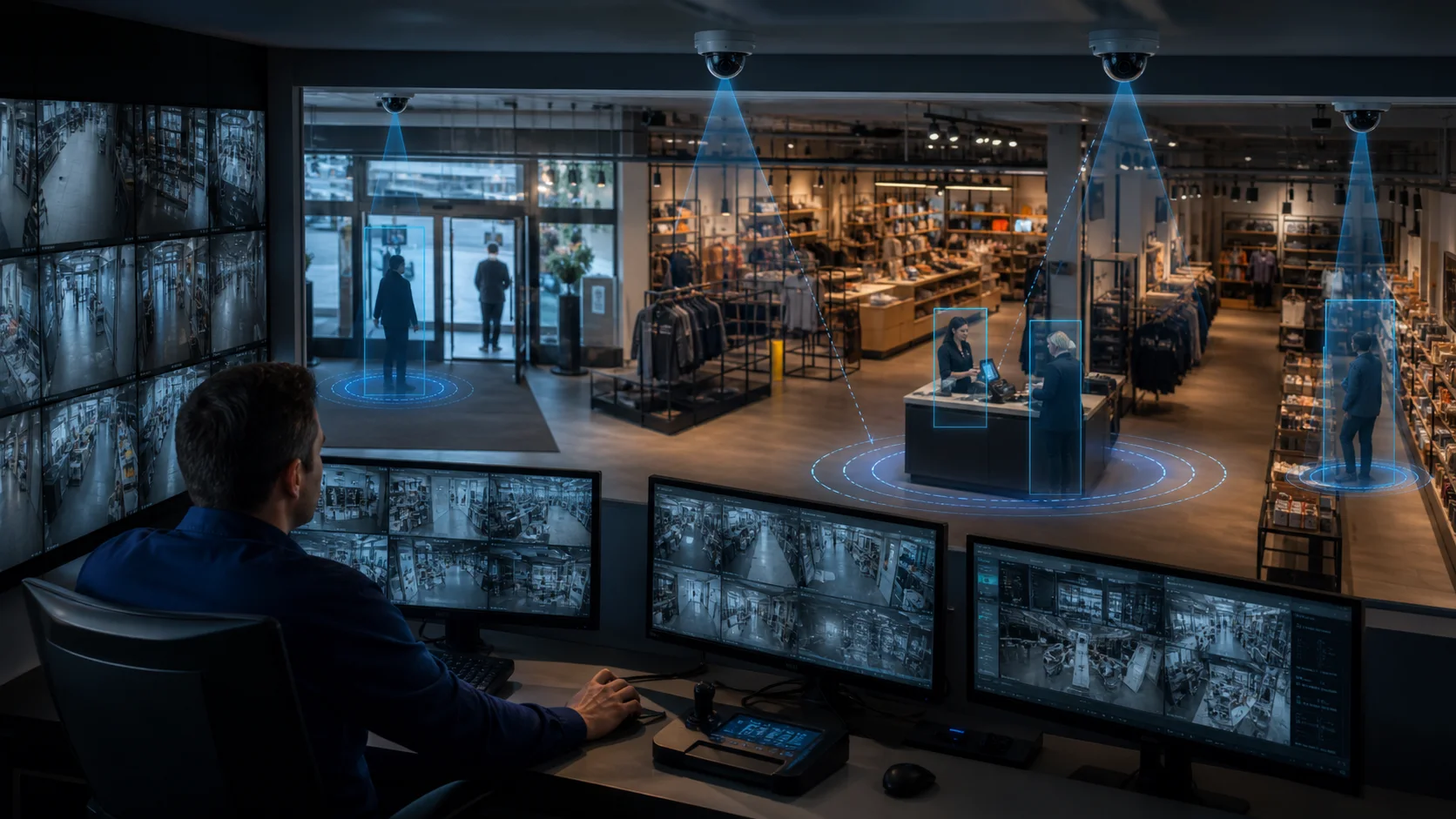
CCTV video analytics software uses computer vision to interpret video feeds from security cameras. Instead of forcing a manager or guard to watch screens all day, the software detects objects, people, vehicles, zones, dwell time, line crossings, queues, and unusual activity.
In practice, it can answer questions like:
- Did someone enter a restricted area?
- How many people walked through the entrance today?
- Is a checkout queue getting too long?
- Did a vehicle cross a perimeter line?
- Are workers entering a PPE-required zone without hard hats or safety vests?
- Which cameras had activity after closing time?
That makes analytics different from a normal VMS. A video management system stores, displays, and retrieves footage. Analytics software adds interpretation: it tells you what happened, where it happened, and whether someone needs to act.
This distinction matters. Many buyers think they are shopping for "better CCTV" when they actually need a decision layer on top of existing cameras.
Which types of video analytics platforms are available?
Most products fall into four practical categories.
Enterprise VMS analytics
Platforms from companies like Avigilon, Genetec, Milestone, and BriefCam are designed for larger sites with formal security teams. They are strong for investigation workflows, multi-site surveillance, access control integration, license plate recognition, and large camera estates.
The trade-off is complexity. These systems often require certified installers, larger infrastructure budgets, and an implementation project. They can be excellent for airports, campuses, public-sector facilities, and enterprise security teams, but they are often too heavy for a cafe, warehouse, small factory, or 5-location retailer.
Cloud AI camera platforms
Cloud platforms connect cameras to a vendor-managed dashboard and process analytics centrally. This can simplify remote access and multi-location management. Some platforms also bundle proprietary cameras, storage, and software into one ecosystem.
The risk is lock-in. If the system requires new cameras, the software purchase becomes a hardware replacement project. If the system uploads video for processing, you also need to evaluate bandwidth, privacy, retention, and data-processing terms.
Developer AI video APIs
Tools like cloud video intelligence APIs, NVIDIA Metropolis components, OpenVINO, and custom computer vision frameworks are powerful when a technical team wants to build a bespoke system. They work well for software companies, integrators, and enterprises with engineering resources.
They are rarely the fastest path for an operator who simply wants alerts on stockroom entry, queue buildup, or PPE violations.
On-premises AI camera analytics
On-premises AI camera analytics runs detection locally on a computer at your site. The camera feeds stay on your network, while the software sends alerts and metadata to the dashboard.
This is the category Horus is built for. Horus installs on a Windows PC, connects to existing IP cameras, processes video locally, and sends instant Telegram or email alerts when the rules you configure are triggered. No new camera hardware is required.
What should you compare before buying?
Do not compare vendors by feature count alone. A long feature list can hide the operational questions that decide whether the system will actually work.
Use this practical scorecard:
| Buying question | Why it matters | What to prefer |
|---|---|---|
| Does it work with existing cameras? | Replacing cameras increases cost and delays rollout. | RTSP/IP camera support and no forced hardware replacement. |
| Does AI run on-premises or in the cloud? | Determines latency, privacy, bandwidth, and outage risk. | On-premises for sensitive sites or unreliable internet. |
| Are alerts real-time? | Investigation tools help later; operations need action now. | Phone alerts within seconds, not end-of-day reports. |
| Can you draw zones? | Most useful alerts are area-specific. | Visual zone editor, line crossing, dwell time, queue zones. |
| Can false positives be tuned? | Noisy systems get ignored. | Confidence thresholds, cooldowns, and per-zone rules. |
| Is pricing clear? | Enterprise camera systems can hide costs in hardware and services. | Transparent monthly pricing or clear pilot terms. |
| Who maintains it? | SMBs rarely have security IT teams. | Simple Windows install, guided setup, minimal infrastructure. |
The most common buying mistake is choosing the strongest investigation platform when the business needs real-time alerts. A searchable video archive is useful after an incident. It does not help if a stockroom door opens at 2:00 a.m. and nobody knows until morning.
What are the most useful CCTV analytics use cases?
The highest-value use cases are usually simple.
Restricted area alerts. Draw a zone around a stockroom, cash office, loading dock, school entrance, or equipment area. When a person enters during monitored hours, the system alerts a manager.
Line crossing and perimeter detection. Draw a line at a gate, entry point, or site boundary. The system records direction, timestamp, and object type.
People counting and foot traffic. Retailers can use existing entrance cameras to understand busy hours, staffing needs, and conversion patterns.
Queue monitoring. Checkout or service-counter cameras can detect when too many people are waiting or when dwell time crosses a threshold.
PPE and safety monitoring. Manufacturing and logistics sites can monitor whether workers in selected zones are wearing required safety gear.
Loitering and dwell time. Security teams can detect when a person remains in a sensitive zone longer than expected. Retailers can use dwell time to understand product engagement.
Searchable events. Instead of reviewing hours of footage, teams can filter by event type, zone, camera, or time window.
Horus supports these workflows through AI video analytics software that works with existing cameras. The key is starting with 2-3 operational rules that matter, not trying to automate every camera on day one.
How important is privacy for CCTV analytics?
Privacy is not a legal footnote. It is a buying criterion.
Video surveillance often captures employees, customers, visitors, vehicles, and operational layouts. European regulators describe video surveillance as a powerful but potentially intrusive tool, and UK guidance treats identifiable CCTV footage as personal data. That does not mean businesses cannot use analytics. It means the architecture and policies need to be defensible.
Cloud processing can be appropriate, but it asks you to trust a vendor with sensitive footage and continuous upload. On-premises processing reduces that exposure because the raw video stays on-site. Only metadata, such as event type, timestamp, camera name, and zone name, needs to leave the premises.
If your business operates in retail, education, manufacturing, logistics, or security, ask every vendor these questions:
- Does raw video leave our site?
- Where is it processed?
- Where is it stored?
- How long is it retained?
- Can we disable cloud video upload?
- What happens if the internet connection fails?
- Can the system work with metadata-only sync?
For a deeper architecture comparison, read Horus's guide to edge AI vs cloud AI camera analytics.
What does camera analytics cost?
Pricing varies widely because vendors sell different things.
Enterprise systems may include camera hardware, VMS licensing, analytics modules, server infrastructure, installation, training, maintenance, and support. Cloud camera vendors may bundle subscription pricing with proprietary hardware. Developer platforms may look cheap at the API level but require engineering and infrastructure work.
For SMBs, the useful pricing question is: "What does it cost to get one site live with 3-5 cameras and real alerts?"
Use this simple cost model:
- Hardware cost: Do you need new cameras, servers, or appliances?
- Setup cost: Can your team install it, or do you need an integrator?
- Monthly software cost: Is pricing per camera, per site, or per user?
- Bandwidth cost: Does video need to upload continuously?
- Operational cost: Who tunes rules, checks alerts, and maintains the system?
Horus starts at $99/month for small deployments and is designed to avoid the largest hidden cost: replacing working cameras. A modern Windows PC on-site handles the AI processing, and the system can expand from a few priority cameras before a wider rollout.
Which option is best for small businesses?
The best CCTV video analytics software for small businesses is usually the one that meets five conditions:
- It works with the cameras already installed.
- It sends real-time alerts to a phone.
- It processes video locally or gives clear privacy controls.
- It has simple zone setup rather than a complex integration project.
- It is priced for one site, not only enterprise rollouts.
That rules out many otherwise strong platforms. A national retailer or airport may need a large VMS ecosystem. A small business owner usually needs to know when a person enters the stockroom, when a queue builds up, or when the site is active after hours.
Horus is built around that operating reality. It turns existing IP cameras into security camera analytics and business intelligence without forcing a camera replacement project. The edge agent runs locally on Windows, the dashboard gives multi-site visibility, and alerts can reach the team through Telegram or email.
When should you choose Horus?
Choose Horus if you have existing IP cameras and want to add AI analytics without replacing hardware. It is strongest when your priority is real-time operational action: restricted area alerts, queue monitoring, foot traffic, dwell time, PPE zones, line crossing, or multi-site visibility.
Horus is also a strong fit if privacy matters. Video is processed on-premises, so the system does not need to upload raw footage to a cloud AI service. That makes it easier to reason about data protection, bandwidth, and business continuity.
It is not the right fit if you need facial recognition as the main use case, a native mobile app, Linux/macOS edge deployment, or a heavily customized enterprise VMS project. Those requirements are better served by specialist enterprise platforms or custom integrators.
How should you evaluate vendors?
Run a one-site pilot before committing to a platform. Pick three cameras and three rules:
- One security rule, such as restricted area entry.
- One operations rule, such as queue length or dwell time.
- One reporting rule, such as daily people count or event export.
Then measure the result for two weeks. Track alert volume, false positives, missed events, manager response time, setup effort, and whether staff actually use the alerts.
This pilot will tell you more than any vendor brochure. A good system should create useful signals within days. If it needs months of custom work before the first actionable alert, it is probably too heavy for an SMB deployment.