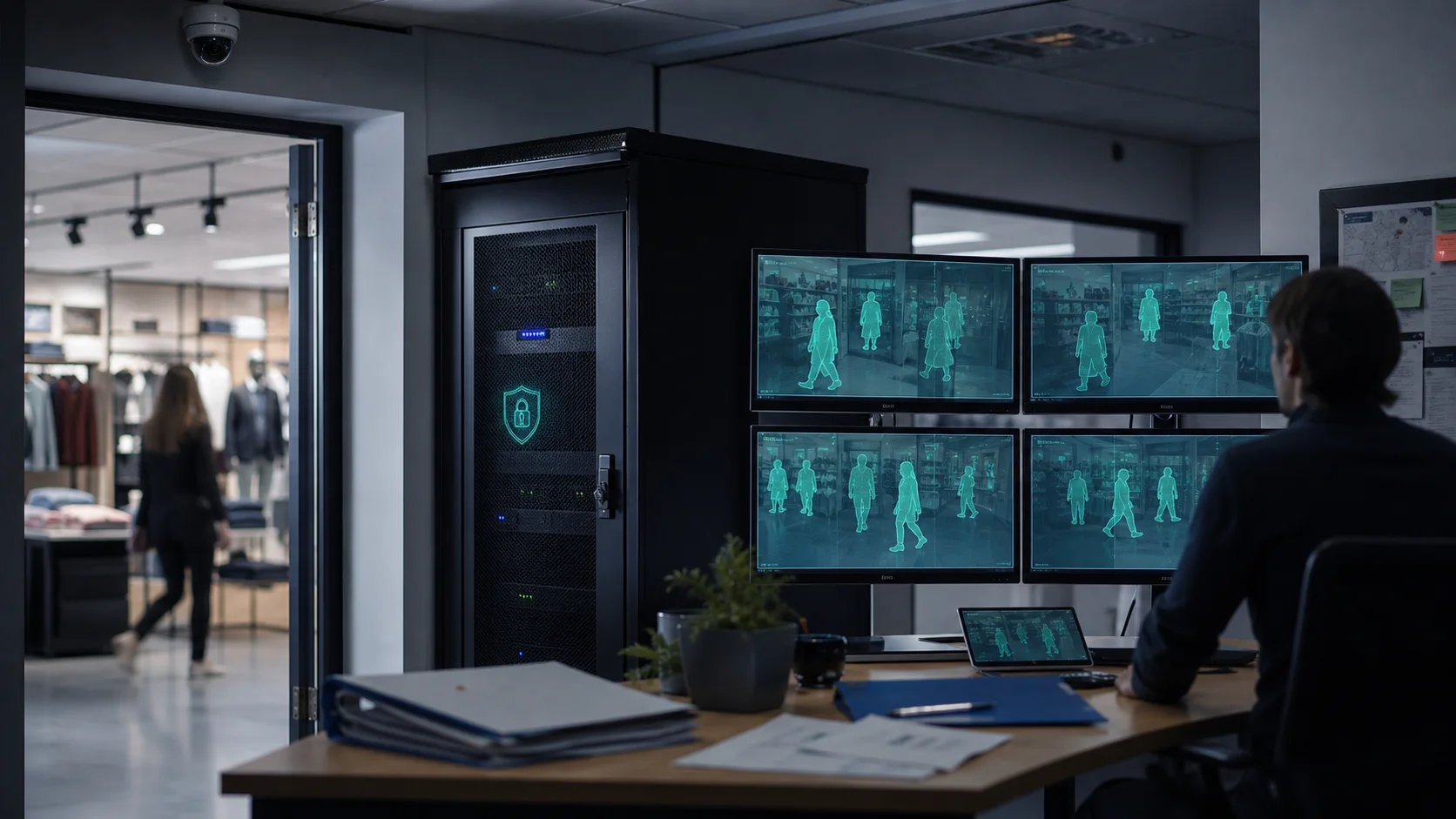
GDPR Video Surveillance Compliance for AI Cameras
Compliance means your CCTV or AI camera system has a lawful purpose, tells people what is being monitored, captures only what is necessary, protects access to footage, and deletes data when it is no longer needed. For AI camera analytics, the safest design is to process video locally, keep raw footage on site, and send only limited event metadata to dashboards and alerts.
That does not make compliance automatic. It gives the business a better architecture to work from. You still need a documented purpose, clear signage, retention rules, access controls, and a way to handle requests from people who appear in footage.
This guide is for business owners, security managers, CCTV installers, and operations teams adding AI analytics to existing cameras. It is not legal advice. Use it as an operator checklist, then confirm your final policy with counsel or your data protection lead.
Why does GDPR treat CCTV footage as personal data?
CCTV footage can identify people directly or indirectly, so regulators treat it as personal data when individuals can be recognized. The European Data Protection Supervisor explains that video-surveillance footage often contains images of people and can qualify as personal data when those people can be identified. The UK ICO also groups CCTV, ANPR, body worn video, drones, facial recognition, dashcams, and smart doorbells under video surveillance guidance for organizations.
That matters because a camera system is not just a security device. It is a data processing system. If the system records staff, customers, visitors, contractors, or members of the public, the business needs to justify why it is collecting that data and how it protects it.
AI analytics adds another layer. A normal recorder stores video. An AI system may also detect people, count entries, trigger intrusion alerts, classify objects, estimate dwell time, or produce event logs. Those outputs can still relate to identifiable people or workplace behavior, so they need governance too.
What lawful basis should a business use for video surveillance?
Most business CCTV deployments rely on legitimate interests, such as preventing theft, protecting staff, securing property, investigating incidents, or managing safety risks. GRC Solutions notes that businesses must identify a valid lawful basis under Article 6 and show that monitoring is necessary and proportionate.
In practice, that means writing down:
- What risk the cameras address.
- Why video surveillance is needed for that risk.
- Why a less intrusive control would not be enough.
- Which areas are monitored and which are deliberately excluded.
- Who can access footage or AI events.
- How long footage and event records are retained.
Consent is usually weak for everyday workplace or customer CCTV because people often cannot freely refuse it. Biometric processing, such as face recognition, is much more sensitive and may require a stronger legal basis or explicit consent depending on the use case and jurisdiction. Horus should not be positioned around face recognition today; the safer live positioning is object detection, zone analytics, people counting, intrusion detection, queue monitoring, and operational alerts without biometric identification.
How can AI camera analytics reduce privacy risk?
AI camera analytics can increase privacy risk if it expands monitoring without controls. It can also reduce privacy risk if it is designed to minimize what leaves the site.
The key difference is architecture. A cloud-first camera system may upload video to a third-party server for storage or analysis. An on-premise AI system processes the feed locally, on a PC or local server at the business site, and sends only the minimum operational output to the cloud dashboard.
Horus is built around that second model. The Windows edge agent runs AI inference locally. Video stays on the customer's premises. The cloud dashboard receives detection metadata, counts, alerts, and optional snapshots, not a continuous raw video stream. For privacy-led buyers, that is a concrete compliance advantage because it reduces unnecessary transfer, narrows exposure, and keeps the most sensitive asset under the customer's physical control.
A simple rule: if the business only needs to know that a person entered a restricted stockroom at 02:14, it should not upload hours of stockroom video to the cloud to get that answer.
What should a GDPR-ready AI camera setup include?
Use this seven-part checklist before installing or expanding AI video analytics.
- Purpose map
Define each camera or zone by purpose. For example: entrance people counting, loading dock vehicle alerts, stockroom intrusion, queue length monitoring, PPE compliance, or after-hours perimeter movement. Avoid vague purposes like "general monitoring" when the actual use is narrower.
- Camera view minimization
Point cameras only at the area needed for the stated purpose. The EDPS specifically highlights data minimization: cameras should target identified security problems and avoid irrelevant footage. Use camera angle, privacy masking, and zone boundaries to avoid neighboring property, public spaces, break rooms, toilets, changing areas, and other high-expectation privacy areas.
- Local processing
Process AI detections on site when possible. With Horus, the edge agent analyzes existing IP camera streams locally and sends metadata to the dashboard. That means the privacy review can distinguish between raw video, snapshots, event metadata, and aggregated analytics instead of treating everything as one large data pool.
- Transparency and signage
People should know they are being monitored before they enter the monitored area. Signage should say that CCTV or AI video analytics is in use, who controls it, why it is used, and where to read the full privacy notice. The full notice should explain lawful basis, purpose, retention, access, sharing, and individual rights.
- Retention rules
There is no universal retention period for every business. The GDPR principle is that personal data should not be kept longer than needed for the purpose. GRC Solutions notes that many organizations use short routine periods and extend retention only for incidents, investigations, or legal proceedings. For AI analytics, separate the retention policy by data type: raw footage, event snapshots, event metadata, aggregated counts, and exported reports.
- Access controls and audit trail
Only authorized people should see footage, snapshots, and sensitive alerts. Use role-based access, strong passwords, named users, and a process for approving exports. In Horus, this maps naturally to organization-level data isolation, role-based access control, encrypted optional alert snapshots, and searchable alert records.
- DSAR and disclosure process
If someone requests access to footage that includes them, the business needs a process to find relevant footage, review it, redact third parties where required, and respond within the applicable deadline. If footage is shared with police, insurers, lawyers, or another third party, keep a disclosure log that records what was shared, why, when, and by whom.
When do you need a DPIA for AI video surveillance?
A data protection impact assessment is more likely to be needed when monitoring could create high risk for people's rights and freedoms. For AI cameras, that risk can rise when the system monitors employees, covers public areas, tracks behavior over time, uses biometric identification, combines footage with other datasets, or operates across many locations.
Even when a formal DPIA is not mandatory, a lightweight version is useful. For each camera or analytics zone, answer:
- What risk are we trying to reduce?
- What personal data is collected?
- What AI output is created?
- Who can access it?
- What is retained and for how long?
- What could go wrong for staff, customers, or visitors?
- Which controls reduce that risk?
This turns compliance into an operating habit. It also helps CCTV installers and system integrators sell AI analytics responsibly: they can show clients that smarter monitoring does not mean uncontrolled monitoring.
What does this mean for MEA and Gulf businesses?
Many Egypt, UAE, Saudi Arabia, Kuwait, and wider GCC businesses are not directly governed by GDPR for every local deployment. But GDPR still matters in three common situations:
- The business has EU customers, staff, visitors, partners, or operations.
- The business sells to multinational clients that expect GDPR-grade vendor controls.
- The business wants a privacy benchmark for local laws and enterprise procurement.
Saudi Arabia's Personal Data Protection Law, UAE privacy requirements, free-zone rules, sector rules, and customer contracts can all create privacy obligations even where GDPR is not the direct law. The practical controls are similar: know your purpose, minimize capture, limit access, secure data, document retention, and avoid unnecessary transfers.
For Gulf and MEA operators, on-premise AI camera analytics is especially useful because it respects the reality of existing CCTV estates. Many sites already run Hikvision, Dahua, Axis, or mixed IP cameras. The privacy-conscious upgrade is not always buying a new cloud camera stack. It is often adding local AI processing to cameras already on site.
For regional deployments, see Horus's guide to AI CCTV analytics in Saudi Arabia: /regions/saudi-arabia/
How should you explain this to staff and customers?
Keep the explanation plain:
"We use CCTV and AI video analytics to protect people, property, and operations. The system detects defined events such as restricted-zone entry, queue build-up, or safety risks. Video is processed locally where possible, access is restricted, and footage or event records are kept only for documented purposes."
Then make the detailed policy available. Do not hide important facts in a long privacy notice that nobody can find. The short sign and the full notice should match.
What is the best architecture for compliant video surveillance?
The best architecture is the one that minimizes unnecessary video movement while still solving the operational problem. For most SMB and mid-market sites, that means:
- Existing IP cameras stay in place.
- AI processing runs on a local Windows PC or edge device.
- Video remains on site.
- Cloud systems receive metadata, counts, alerts, and optional snapshots only when needed.
- Users get role-based dashboard access.
- Retention differs by raw footage, snapshots, metadata, and reports.
- Policies document purpose, lawful basis, signage, DSARs, and disclosure.
That is the architecture Horus is designed for. It turns existing cameras into an AI monitoring system without forcing businesses to send continuous video to a third-party cloud.
Learn more about on-premise AI camera privacy: /privacy/
FAQ
Is CCTV covered by GDPR?
Yes, when footage can identify people. CCTV used by businesses commonly captures personal data, so the business must identify a lawful basis, inform people, secure the data, and apply retention limits.
Can AI video analytics be GDPR-compliant?
Yes, if it is designed and operated carefully. The strongest pattern is local processing, limited purposes, clear signage, short retention, role-based access, documented DPIAs where needed, and no biometric identification unless the business has a specific lawful basis.
Does on-premise AI automatically make a camera system compliant?
No. On-premise processing reduces exposure, but it does not replace governance. You still need purpose limitation, transparency, retention rules, access controls, and a process for individual rights and disclosures.
How long should CCTV footage be kept?
There is no single GDPR retention period for every organization. Retention must match the purpose. Many businesses use a short routine period and keep footage longer only when it is tied to an incident, investigation, insurance claim, or legal requirement.
What should CCTV signage say?
A sign should clearly say that CCTV or AI video analytics is in use, state the purpose at a high level, name the controller, and point people to the full privacy notice. For AI analytics, mention the relevant use if it affects expectations, such as people counting, safety monitoring, or intrusion detection.
Does Horus upload video to the cloud?
No continuous raw video upload is required for Horus's core architecture. Horus processes video locally through the Windows edge agent and sends detection metadata, analytics, alerts, and optional snapshots to the cloud dashboard.
Sources
- GRC Solutions: https://grcsolutions.io/does-your-use-of-cctv-comply-with-the-gdpr/
- IncoreSoft: https://incoresoft.com/gdpr-video-surveillance/
- VeraSafe: https://verasafe.com/blog/an-introduction-to-gdpr-compliance-in-video-surveillance/
- UK ICO: https://ico.org.uk/for-organisations/uk-gdpr-guidance-and-resources/cctv-and-video-surveillance/
- European Data Protection Supervisor: https://www.edps.europa.eu/data-protection/data-protection/reference-library/video-surveillance_en