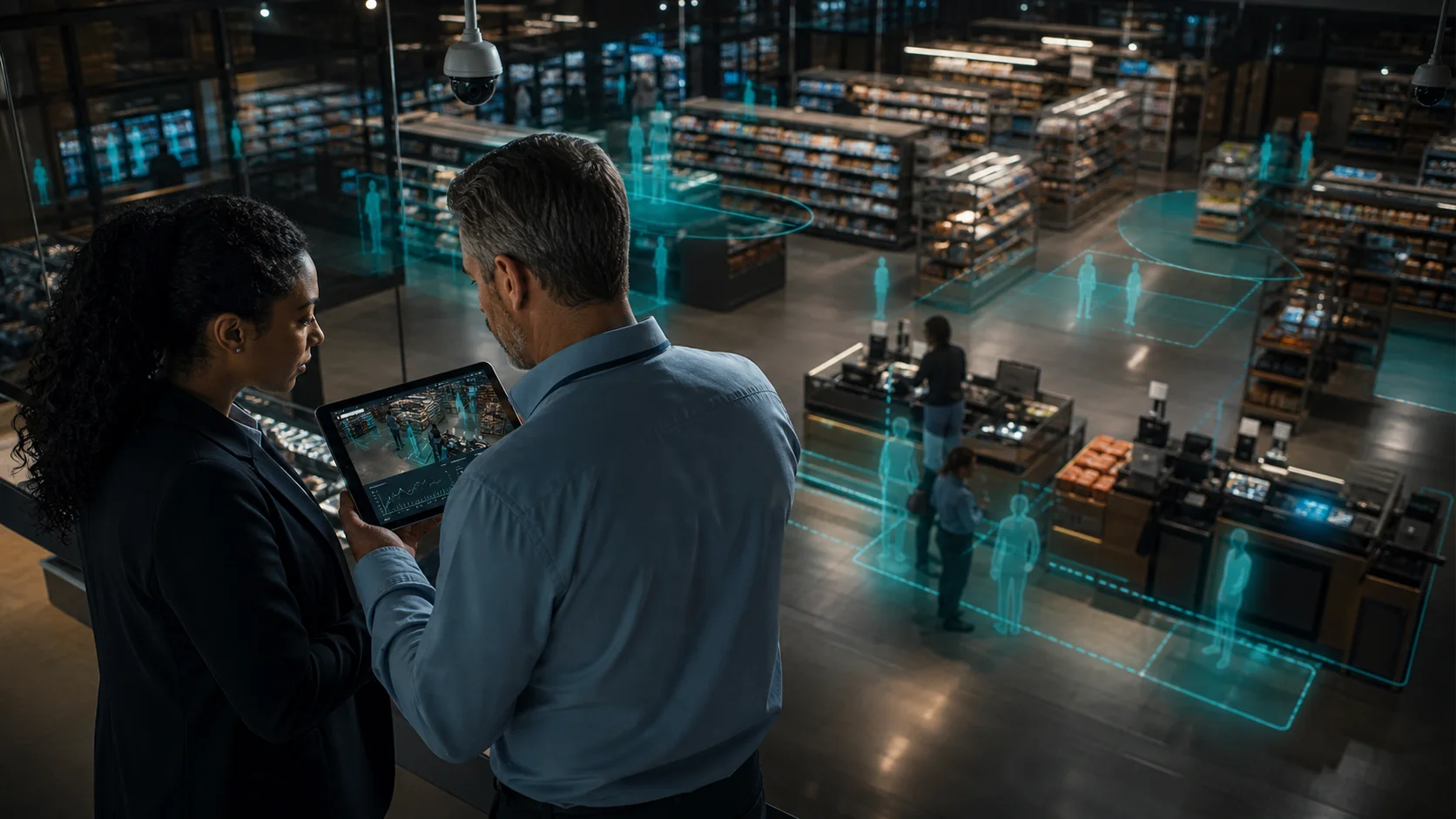
Retail Video Analytics Software Comparison
Retail video analytics software compares best when you judge it by business outcome, not feature count: can it use your existing cameras, detect queue or security issues in real time, protect customer privacy, and give store managers data they can act on this week? For MEA and Gulf retailers, the strongest choice is usually the platform that adds AI to current CCTV without forcing a camera replacement or continuous cloud video upload.
Most retail camera systems already record what happened. The gap is action. A useful analytics layer turns entrance cameras, checkout views, aisles, and stockroom cameras into alerts, counts, dwell-time data, and evidence while the store is still operating.
What should retail video analytics software actually do?
Retail video analytics software uses computer vision to analyze camera feeds from a store or branch network. It can count people entering, detect queue buildup, measure dwell time near products, monitor restricted areas, flag loitering, and help security teams respond to incidents faster.
The practical question is not whether the software has AI. It is whether the AI maps to a real store workflow. A cafe, supermarket, pharmacy, fashion store, or electronics retailer usually needs five signals first:
- Entrance counts by hour and day
- Checkout queue length and wait-time alerts
- Stockroom or staff-only area entry alerts
- Dwell time around high-value displays
- Event history by camera, zone, and time window
Those signals affect staffing, service speed, merchandising, and loss prevention. They are also easier to prove in a pilot than abstract "store intelligence" claims.
Which retail analytics categories should you compare?
Retail buyers usually compare four different product categories, even when every vendor uses similar AI language.
| Category | Best fit | Watch-outs |
|---|---|---|
| Enterprise VMS analytics | Large chains with security teams, access control, and formal investigation workflows | Can require integrators, heavier licensing, and camera or server upgrades |
| Cloud AI camera platforms | Retailers standardizing on one cloud-managed security stack | May require proprietary cameras, continuous upload, or stronger bandwidth |
| Retail BI and sensor tools | Merchandising teams that need POS, loyalty, footfall, and campaign analytics | Often needs extra sensors or data integrations before camera alerts are useful |
| On-premise AI camera analytics | SMB and mid-market retailers with existing IP CCTV who need alerts and operational analytics quickly | Needs a capable local Windows PC or edge machine for processing |
This comparison matters because a store owner searching for retail video analytics software comparison may not need the biggest surveillance platform. They may need a focused way to turn the cameras they already bought into daily operating signals.
How should you compare camera compatibility?
Start with the existing camera estate. In Egypt, UAE, Saudi Arabia, Kuwait, and the wider GCC, many retailers already use Hikvision, Dahua, Axis, or other IP cameras installed by local CCTV partners. Replacing that estate just to add analytics adds cost before value is proven.
Ask each vendor:
- Does the platform support standard IP camera feeds such as RTSP?
- Does it require proprietary cameras for core analytics?
- Can one branch start with 2-3 cameras before a wider rollout?
- Who handles setup: the retailer, a CCTV installer, or a certified enterprise integrator?
- If the store has poor internet for a day, do detections continue locally?
For smaller retailers, camera compatibility is often the difference between a one-week pilot and a capital project. Horus is designed around existing IP cameras and on-premise processing, so the first pilot can focus on zones and alerts rather than hardware replacement.
Why does privacy architecture matter in retail?
Retail video contains customers, staff, suppliers, children, cash areas, and operating patterns. That makes privacy architecture a buying decision, not a footnote.
The UK's ICO treats identifiable CCTV footage as personal data, which means retailers need a clear reason for collecting it, limits on access, and sensible handling of stored or shared footage. Interface Systems also recommends edge processing and audit controls as part of a retail analytics privacy checklist. Those points are especially relevant for regional retailers that want better analytics without creating new data-transfer concerns.
Cloud video analytics may be the right fit for some teams, but buyers should understand what leaves the premises. On-premise processing keeps raw video inside the store or branch. The dashboard can still receive event metadata, counts, timestamps, and alert records, but the most sensitive feed does not need to be uploaded for every decision.
What use cases create value first?
The fastest retail analytics wins usually come from simple zones.
Queue monitoring. Draw a zone where the checkout line forms. Alert a supervisor when more than a chosen number of people wait for longer than a few minutes. This is a direct path from camera data to staff action.
Footfall and conversion context. Entrance counting helps managers compare traffic to sales. A slow sales day with high footfall is a different problem from a slow day with low footfall.
Loss-prevention zones. High-value shelves, stockrooms, emergency exits, and cash areas can trigger alerts when someone enters or dwells unexpectedly. The National Retail Federation's 2023 survey reported $112.1 billion in US retail shrink losses for 2022, which shows why retailers treat loss prevention as an operating issue, not just a security issue.
Dwell time and merchandising. Dwell data shows where people stop, hesitate, or ignore a display. This helps teams test layouts without installing new sensors.
Multi-branch visibility. A manager with three or ten stores needs comparable signals by location: queue alerts, footfall, after-hours activity, and event volume.
What is the right cost model?
Do not compare only the monthly subscription. Compare the first useful deployment.
Use this cost model:
| Cost area | What to check |
|---|---|
| Cameras | Can existing cameras stay in place? |
| Processing hardware | Does the AI need a new appliance, GPU server, cloud upload, or existing Windows PC? |
| Installation | Can a local CCTV installer or store operator configure it? |
| Subscription | Is pricing per camera, branch, user, or feature module? |
| Bandwidth | Does the system upload continuous video or mostly metadata? |
| Tuning time | Can zones, thresholds, and cooldowns be adjusted without vendor support? |
For MEA retailers, bandwidth and installer availability matter. A platform that works with existing cameras and a local Windows PC can often prove value before procurement turns into a branch-wide camera replacement.
How does Horus fit the comparison?
Horus is AI video analytics software built for retailers and operators that already have cameras. It runs AI inference on a Windows PC at the customer's premises, connects to existing IP cameras, and sends alerts, counts, and event metadata to the dashboard. Raw video stays on-site.
For retail AI camera analytics, Horus supports entrance counting, queue monitoring, dwell time, stockroom alerts, line crossing, occupancy, heatmaps, and multi-location reporting. It is not a proprietary camera refresh. It is an analytics layer on top of the CCTV estate a store already owns.
A practical pilot might use three cameras:
- Entrance camera for footfall and line crossing
- Checkout camera for queue length and wait-time alerts
- Stockroom or high-value display camera for restricted-zone monitoring
Run that pilot for two weeks. Track alert usefulness, false positives, staff response time, and whether managers actually use the dashboard. If the alerts change daily decisions, expand to more cameras. If they do not, adjust the zones before buying more infrastructure.
What should a retail buyer ask before choosing?
Use this buyer checklist before signing with any vendor:
- Does the system work with my current IP cameras?
- Does raw video leave the store for analytics processing?
- Can I configure queue, entrance, and stockroom zones myself?
- Can alerts go to a manager's phone in real time?
- Can I tune confidence thresholds, cooldowns, and severity?
- Does the product support Arabic-speaking teams or MEA deployment needs?
- Can one branch prove ROI before a chain rollout?
- What happens if internet connectivity is unreliable?
- Can my CCTV installer help deploy it?
- Does pricing still make sense when I add more cameras or branches?
If a vendor cannot answer those questions clearly, pause the purchase. Retail video analytics should reduce operating uncertainty, not introduce a bigger system to manage.
FAQ
What is retail video analytics software?
Retail video analytics software analyzes CCTV or IP camera feeds to detect store events such as foot traffic, queues, dwell time, loitering, restricted-area entry, and security incidents. The best systems turn those detections into alerts and reports that store managers can act on.
Do retailers need new cameras for video analytics?
Not always. If existing cameras provide usable IP streams, a platform like Horus can connect to them and run analytics without replacing the camera estate. Camera angle and image quality still matter, especially for queue and entrance counting.
Is cloud or on-premise analytics better for retail?
Cloud analytics can simplify remote management. On-premise analytics is stronger when privacy, bandwidth, latency, or unreliable internet matter. Many MEA retailers should compare both and ask exactly where raw video is processed.
Which retail analytics use case should come first?
Start with one operational rule and one security rule. For example: checkout queue alerts plus stockroom entry alerts. This creates a clear pilot with measurable staff response and false-positive data.
How does Horus compare with enterprise VMS analytics?
Enterprise VMS platforms are strong for large security teams and formal investigation workflows. Horus is built for retailers that want practical AI in-store video analytics on existing cameras, with local processing and fast operational alerts.